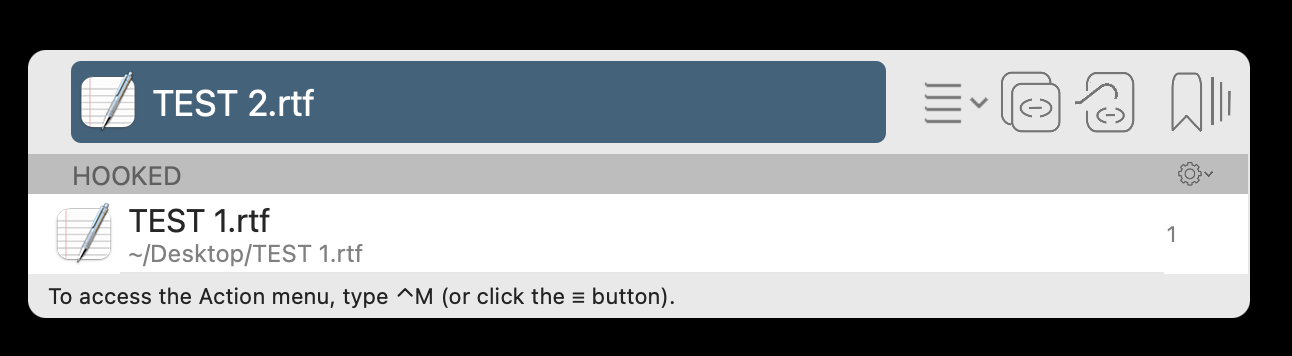
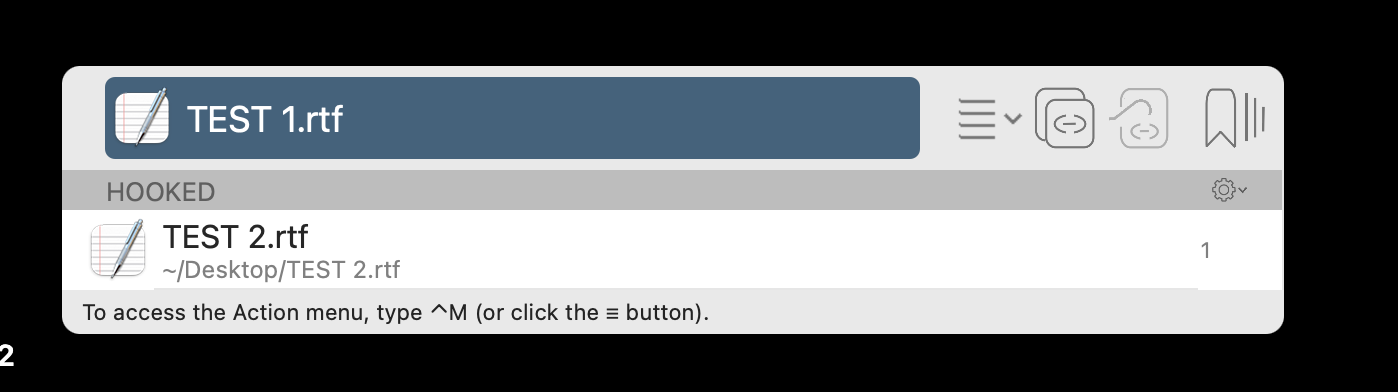
Bidirectional Links Do Not Work

That’s great.

Please
(1)Quit Hookmark
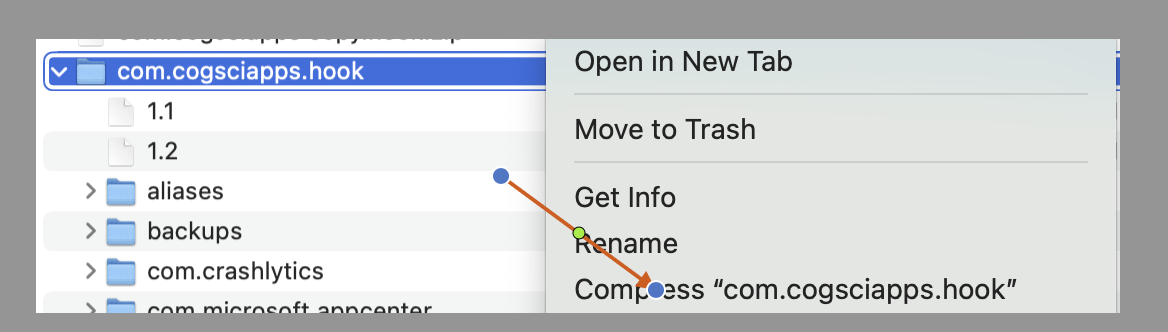
(2)Go to folder ‘~/Library/Application Support/’ (Finder ->Go->Go to Folder…), zip com.cogsciapps.hook folder

(3) In folder ~/Library/Application Support/, rename com.cogsciapps.hook to com.cogsciapps.hook.old
(4)Start Hookmark
(5)Try make a bi-directional link

Ok. Give me a little time and I will report back

Thank you! No rush—take your time.

Wow!!! It is working now.


I have looked at this over and over many times!!!

I hope there is a way to add my old one way links back in

Great!

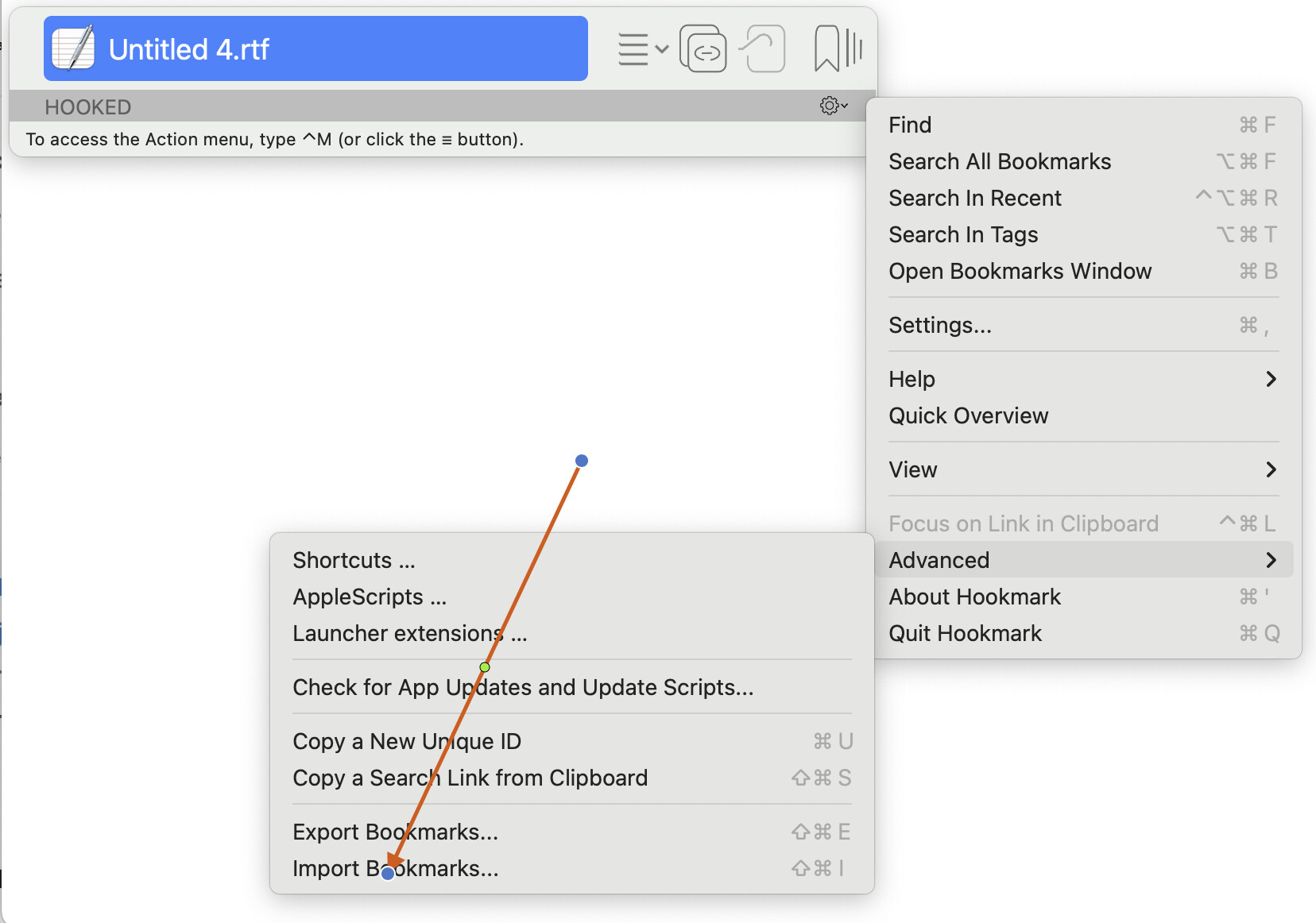
Now import the bookmarks from the file you just exported.
Invoke Hookmark context window, click on Gear button->Advanced->Import Bookmarks

Ok, I will do this. Give me a bit of time

Just tested my one way links. They are back!!!. I have bidirectional. Tested bidirectional!!! Oh man this will be great having bidirectional. Oh my gosh

I am so thankful. Happy to pay every year for this. Oh this is fantastic!!!

I have got to write this up everything you had me do. What wonderful support here!!!
1 Like

Thank you for your patience, @lwjkjr . I am glad it is working for you.

Please don’t hesistate to contact us if you encounter any issues with Hookmark.

Thank you

My patience. You were the patient one.

I can’t wait to be using bidirectional now. Fantastic

Awesome—have fun with it!