Bidirectional Links Do Not Work

Yes, that’s for this thread.

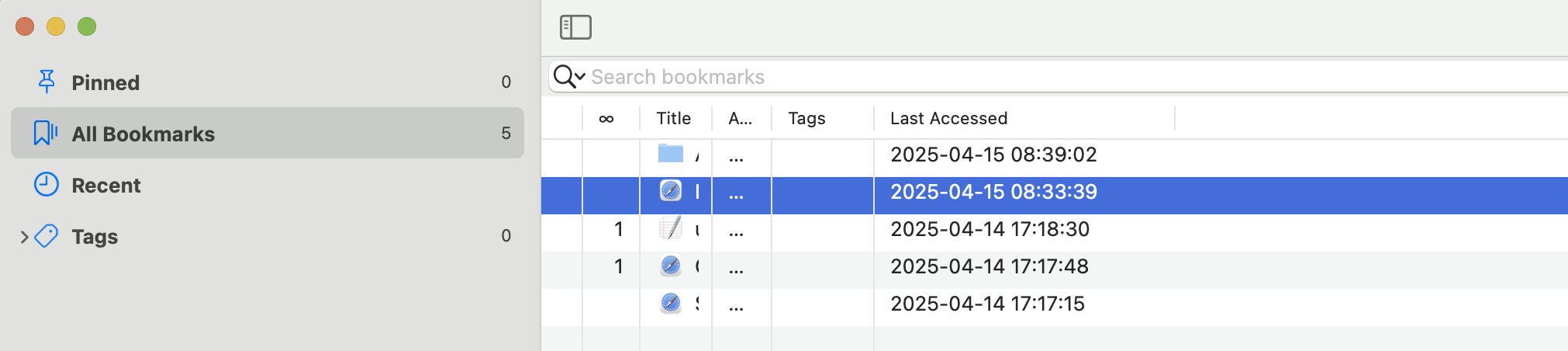
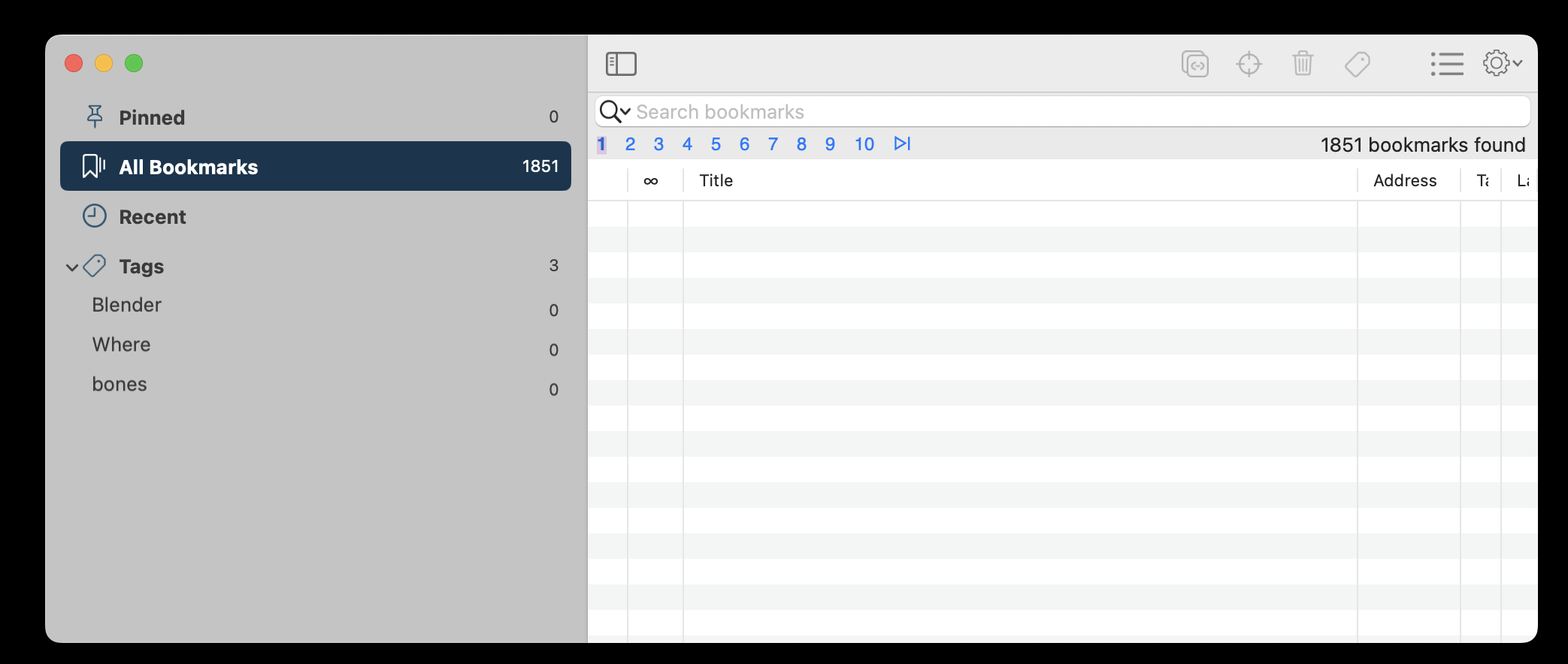
I am wondering whether these bookmarks have been saved to the database. If you open Bookkmarks window, in All bookmarks section, can you see those bookmarks?

Could you please post a screenshot of it? You can hide the title and url info by make Title and URL columns smaller:

Thank you


Nothing appears?


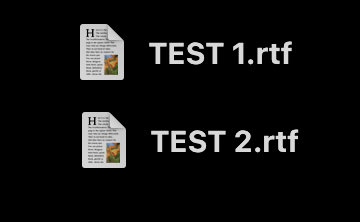
I put this on the desktop to try the bidirectional right now


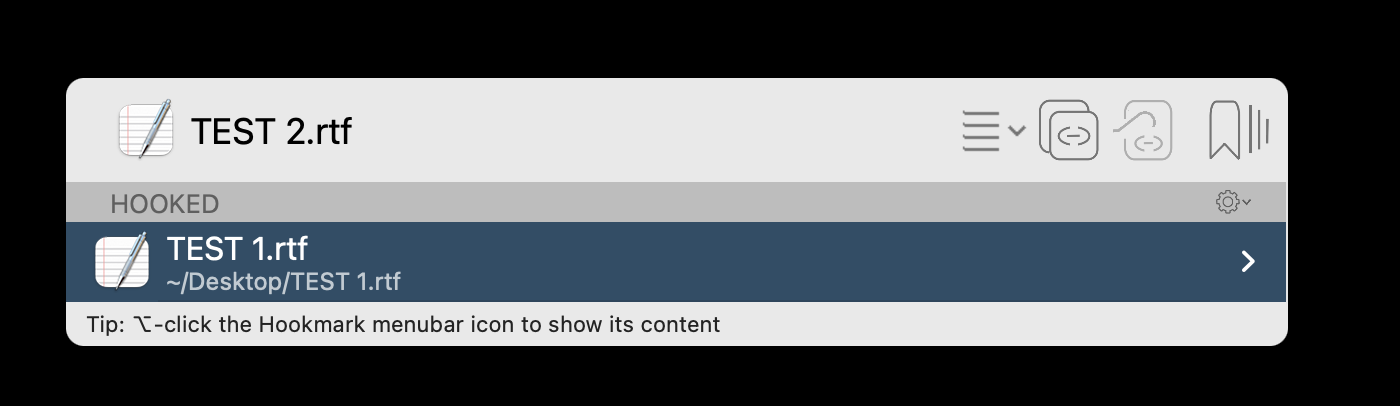
I have this but when I go to look again it shows nothing hooked

Thank you, @lwjkjr .

If you click on different pages, such as 9, 10, can you see anything?

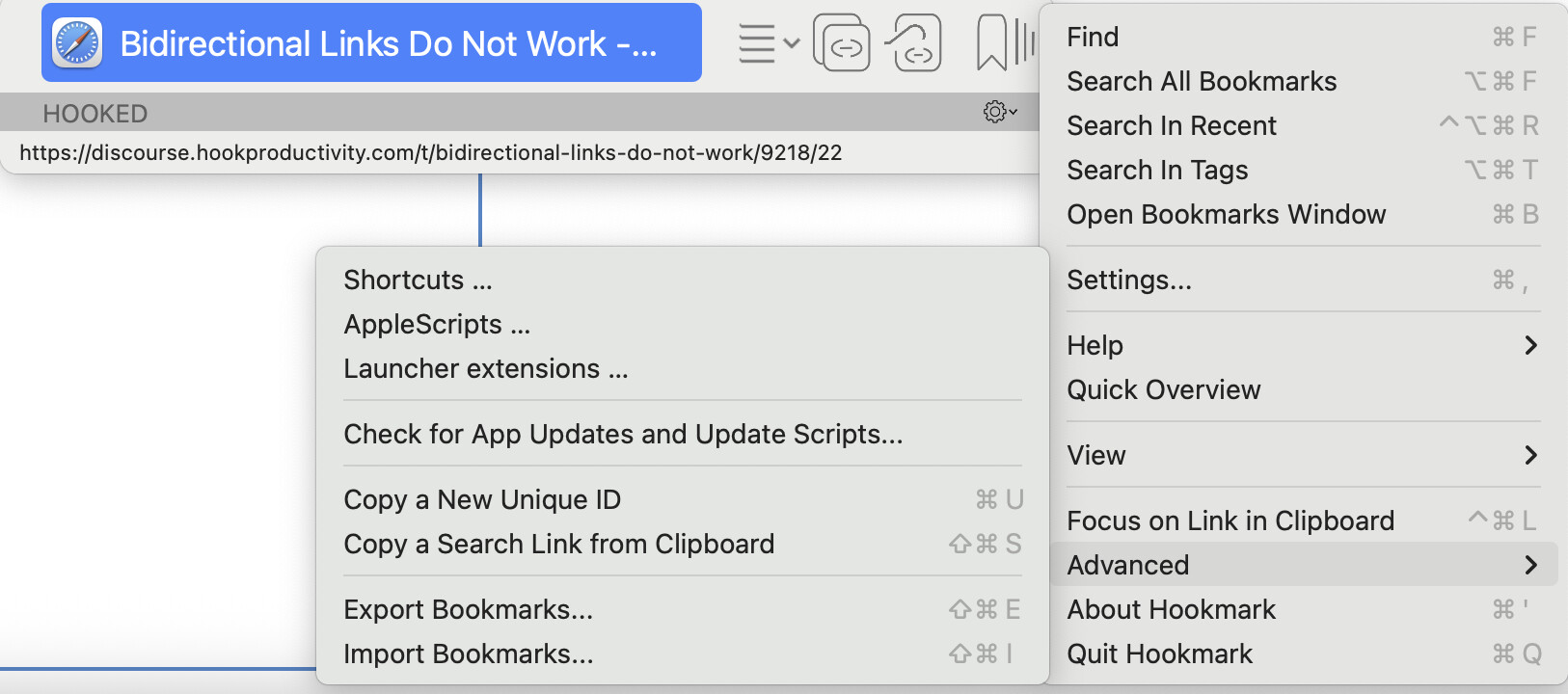
Could you please export your database to a file and see if there is anything in it? You can do it via Hookmark context window ->Gear button->Advanced->Export Bookmarks…

Thank you

Nothing on any number. I went to many pages. I will do the export now.


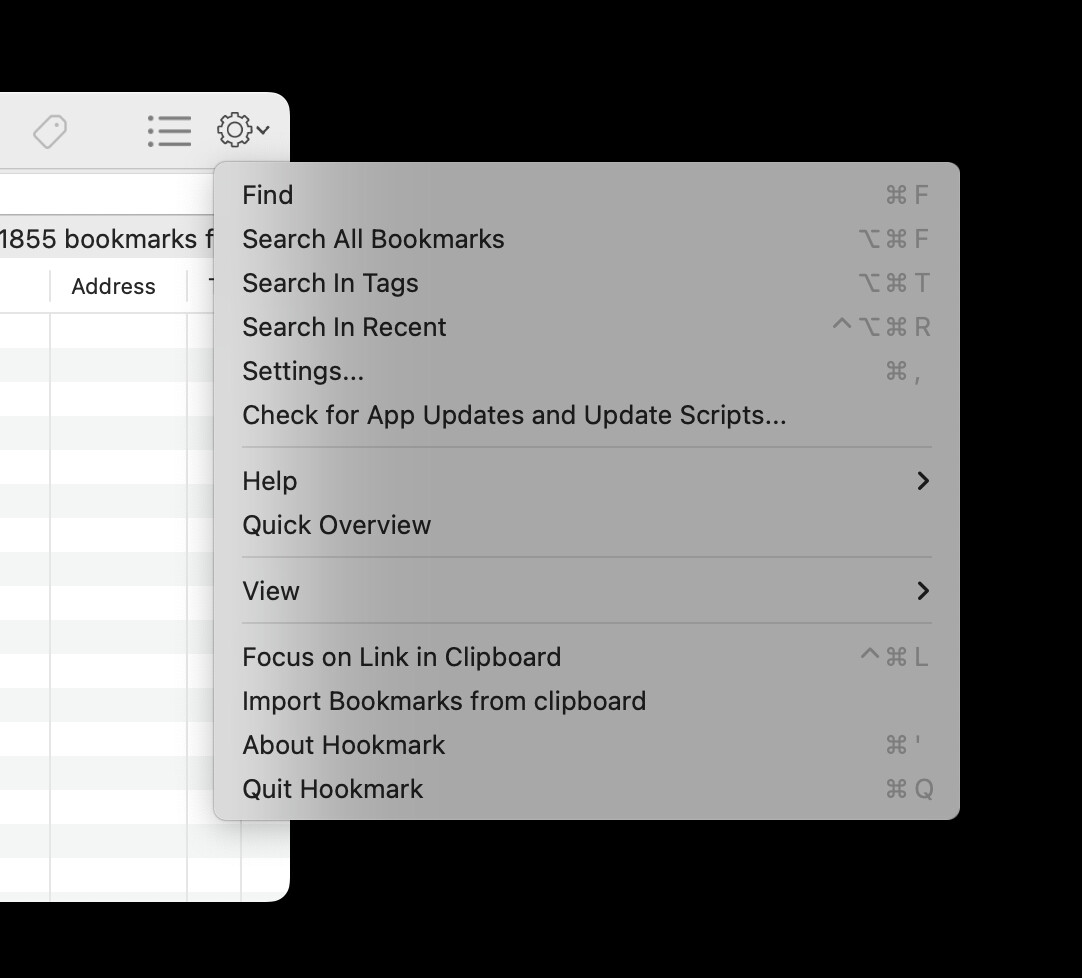
I don’t see advanced

Not Bookmarks window. But Hookmark context window, the one you use to do “Copy Link”. Sorry it is confusing.

Well, I’m totally confused. Just tell me what you want me to do. Maybe you need to think about this for awhile.

Can the program be reinstalled or will I lose my one way links I have?

Type shortcut “Ctrl+H” or “Shift+command+space”, or click on Hookmark menubar icon, Hookmark context window will show. For this page, it looks like this:
Oh. I see I was in the wrong gear icon.

Exporting now.

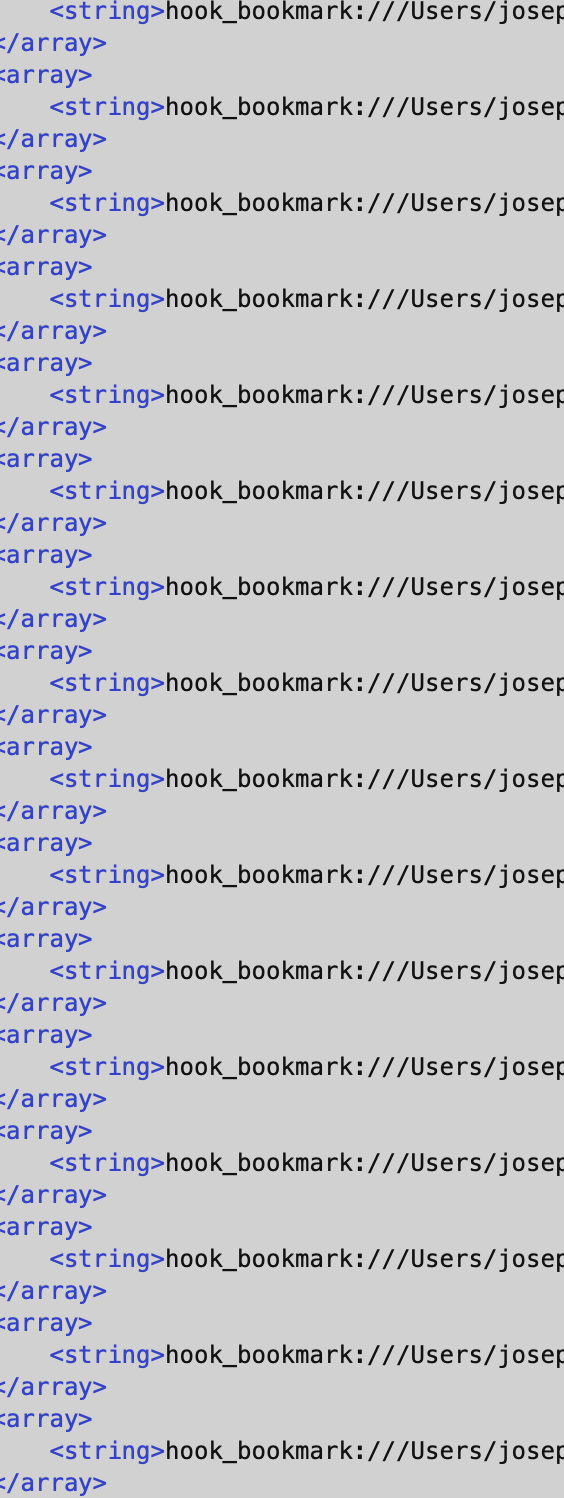
I brought into BBEDIT. I see the Test 2.rtf and the Test 1.rtf. The file has a huge amount of stuff.

If you open “Hookmark export 2025-07-20 …hook-links”, can you see bookmarks? The file is in your user folder, if you don’t change the save folder.

Tell me exactly where you want me to go.

Do you want me to look in the file I just exported?

In the file I just exported it says for many hook_bookmark

Yes, please. The file name starts with “Hookmark export”.