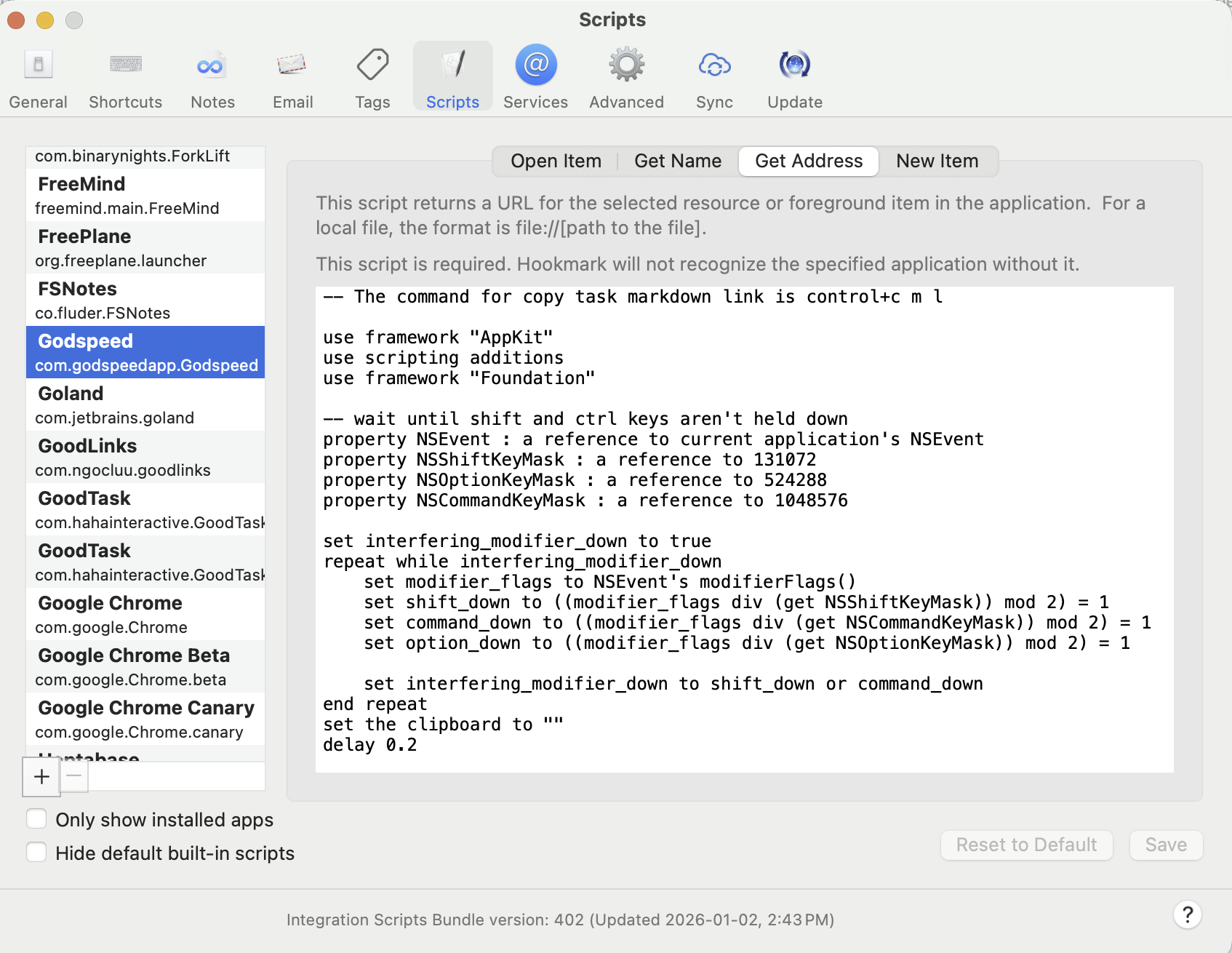
New in this release:
Support Godspeed.
(1) Please make sure the note field is not in edit mode before invoke Hookmark.
(2) You need to do some setup as described in this post to make it work:
New in this release:
Support Godspeed.
(1) Please make sure the note field is not in edit mode before invoke Hookmark.
(2) You need to do some setup as described in this post to make it work:
Just wanted to query this, am on Hookmark 6.13(6451) Integration v.402 but Godspeed is not showing in my script list (and isn’t otherwise working). I did the Godspeed set up. Anything I might be missing?
I just checked and it is in the list:
Just want to make sure, have you set up a keyboard short for “Copy task as Markdown Link” as described in this post? And for now it only works for tasks.
Thank you
I think its because I have Godspeed installed via SetApp. If I uncheck the “show only installed apps” option I can can see it. I manually added the Setapp version (com.godspeedapp.Godspeed-setapp) via the Plus button, then copied the script over, and it works fine. Cheers.
Thank you for letting us know, @bishblaize .
Didn’t notice that there is a Setapp version of Godspeed. Will add it to the script list.
Thank you
Just to add to this, I was able to replicate the Hook to New function using Keyboard Maestro. The macro was simple enough.
I just added a few pauses between certain steps. Not elegant, but it works.
Me again, also wanted to add that you can improve the Get Address script by making it press Escape once before typing in Ctrl-C-M-L. This will cancel out of any text field you’re editing before invoking Hookmark, and in doing so avoid typing “cmlcmlcmlcml…” etc into the field you’re editing. I just added the second and third line shown below.
tell application “System Events”
key code 53
delay 0.1
keystroke “c” using {control down}
keystroke “m”
keystroke “l”
This also cancels stuff like date pickers that might be on screen.
Thank you, @bishblaize .
We will update the script.