Hey,
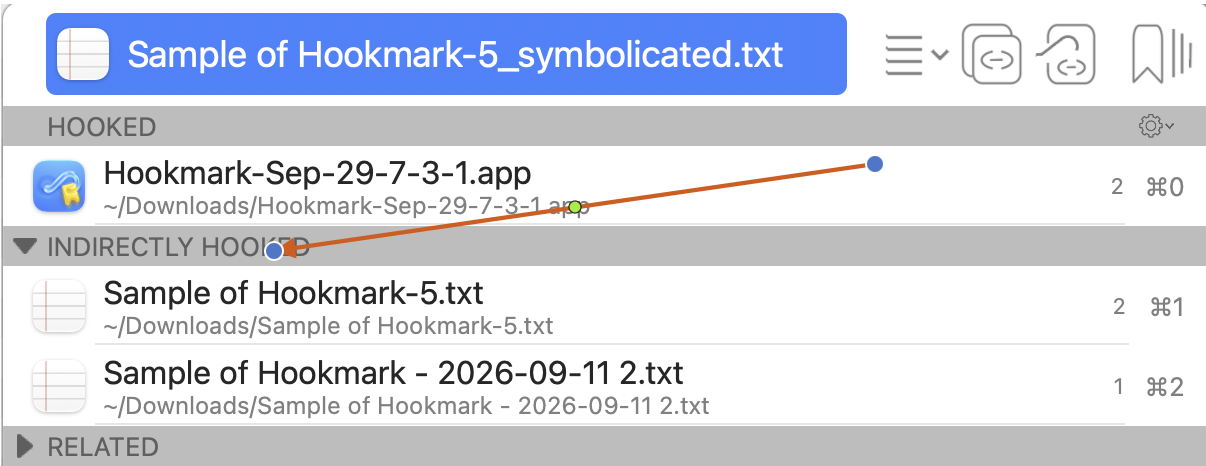
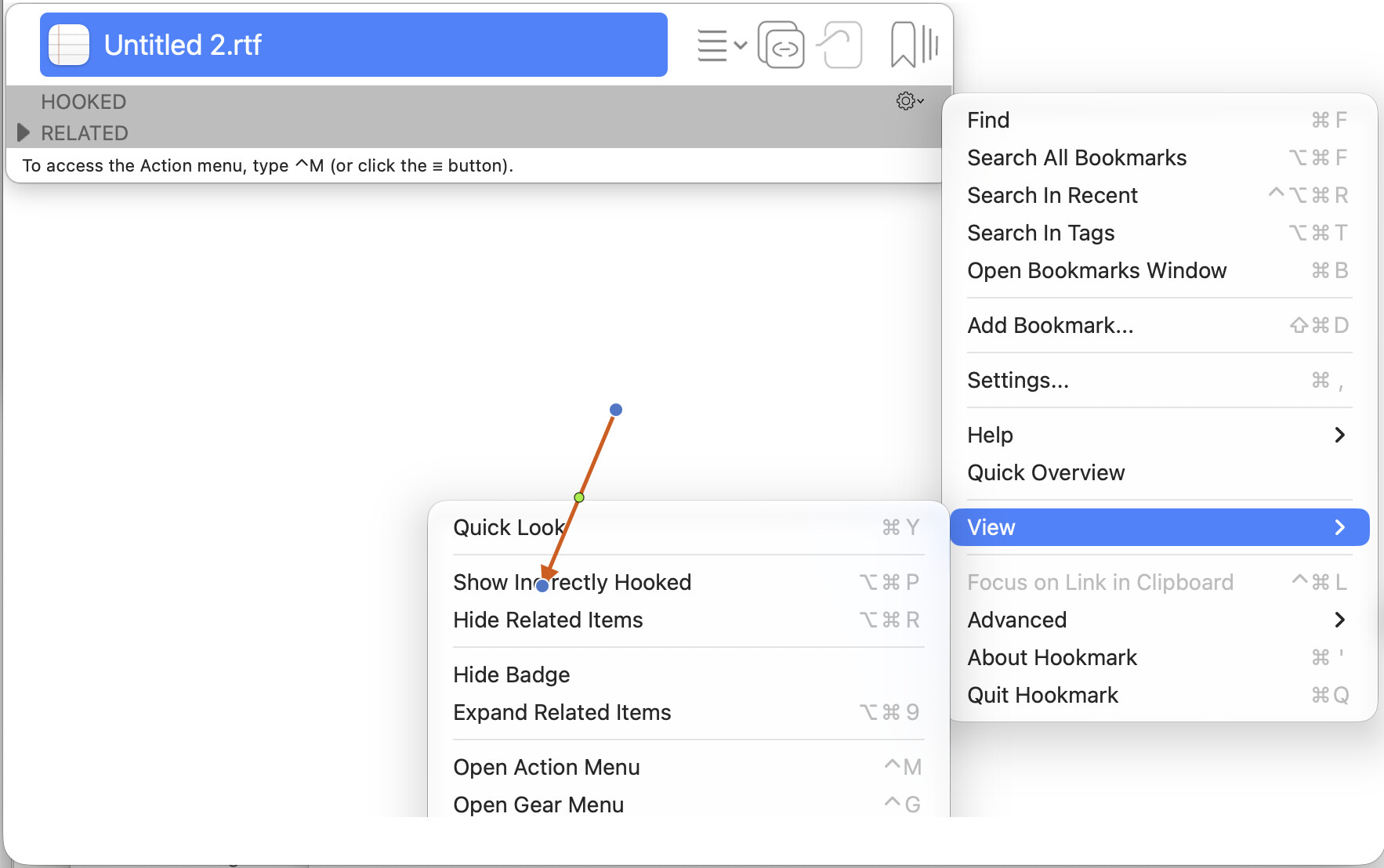
I am new to Hookmark and have one problem and one question. Firstly the problem: I tried to Hook a DevonThink File to one of my Things 3 tasks. So I marked the Things task and hooked it with cmd+C. Then I marked the DevonThink document and combined it with the Things task by pressing cmd+V. Everything is fine now. Then I wanted to add an Octarine document to the Things task as well, which worked but now I have a problem. When I open the Octarine document it only shows me the link to the Things 3 task, and not the DevonThink document, even though I linked Things and Devonthink together. I can only see all three linked items when I am using the hook pop up window in Things.
I thought it is possible that when I open the Devonthink document now that the Octarine document is now automatically connected as well or did I do something wrong?
Also the question I have. Is it possible to for example, double-click on a link in the Hookmark pop up window to open the link. I don’t really find using the keyboard with it intentional.
Thank you in advance:)