Hi, perhaps I didn’t understand your issue correctly, but in your screenshot it seems that only the “hook button” is greyed out - the “burger button” for the menu seems to be active. The “hook button” will only be active if a link to “something” was copied with hookmark before (which you didn’t describe). Then this button allows you to create a bidirectional link between the e.g. your obsidian note and this “something”. If there is no such link in the clipboard, it is the expected bahavior that this button is greyed out.
Did you manage to create a hook between other applications? Is hookmark behaving differently with obsidian notes?
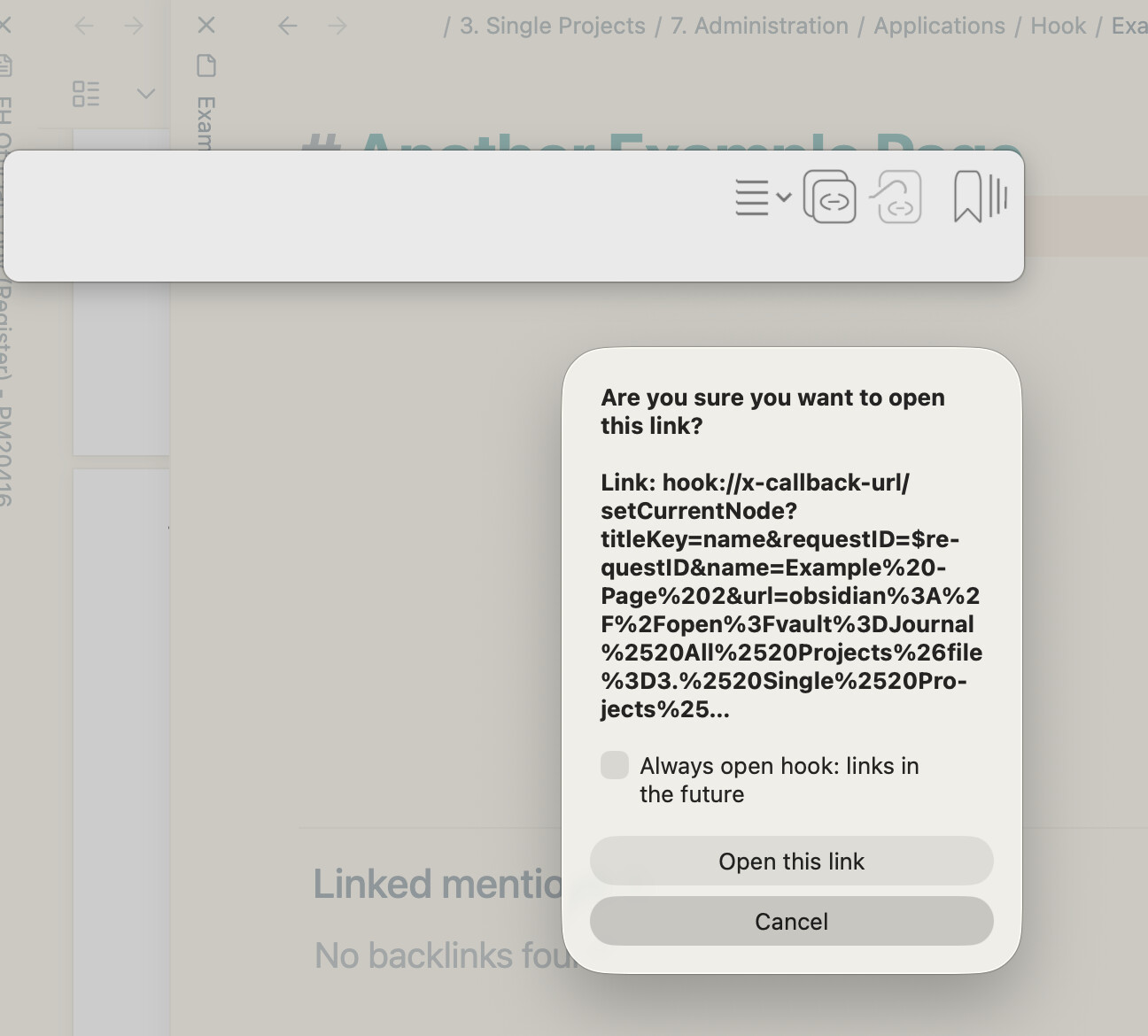
This pop-up is to get your permission to allow Hookmark to get the selected Obsidian note URL, using x-callback-url, @dorich . Hookmark needs your permission to do the copy link, hook links, etc..
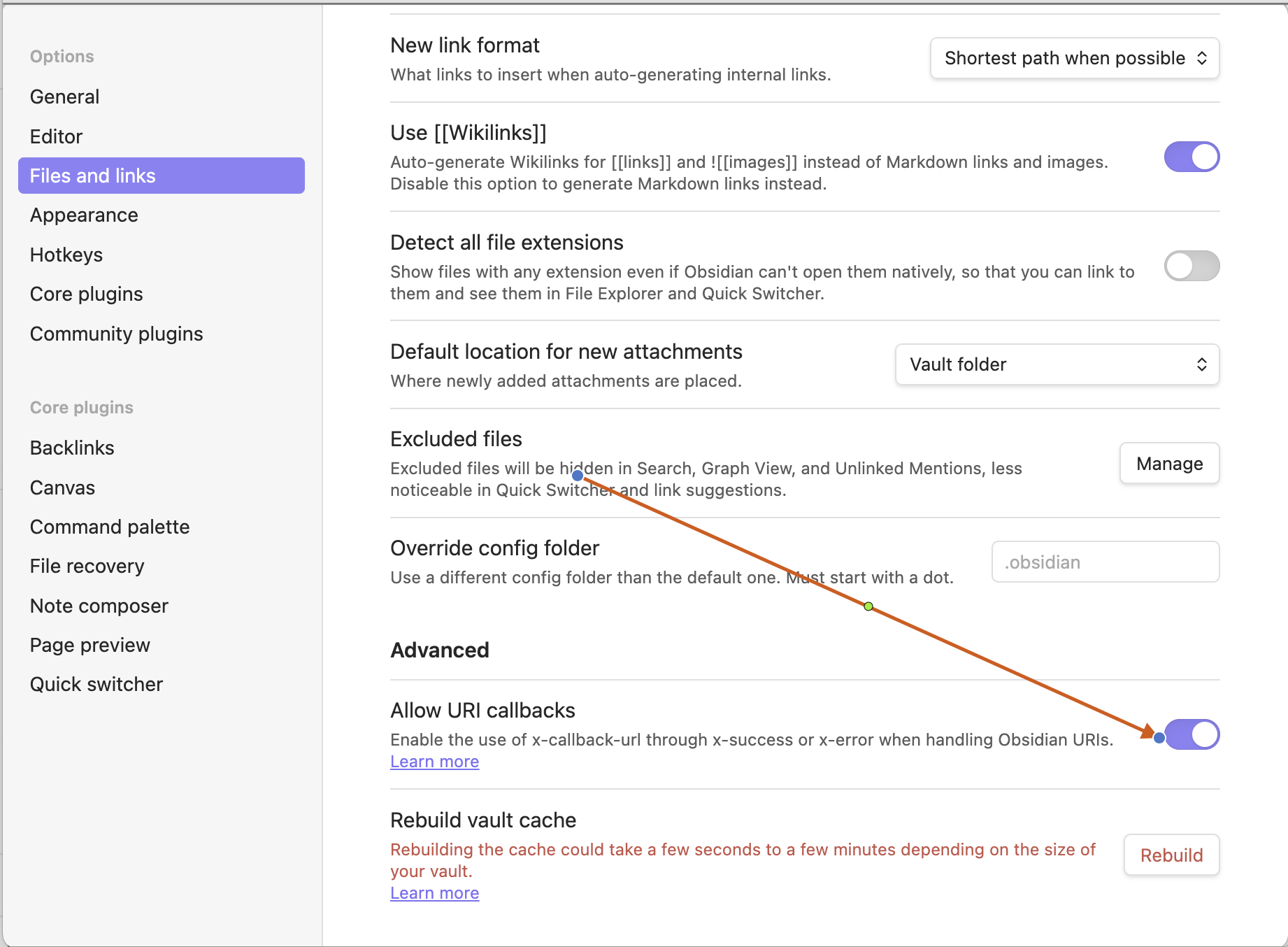
You also can set the permission in Obsidian Setttings window