Every time I boot up, the Hookmark applet appears in the Menu Bar with a purple question mark. When I click on it, I get this:
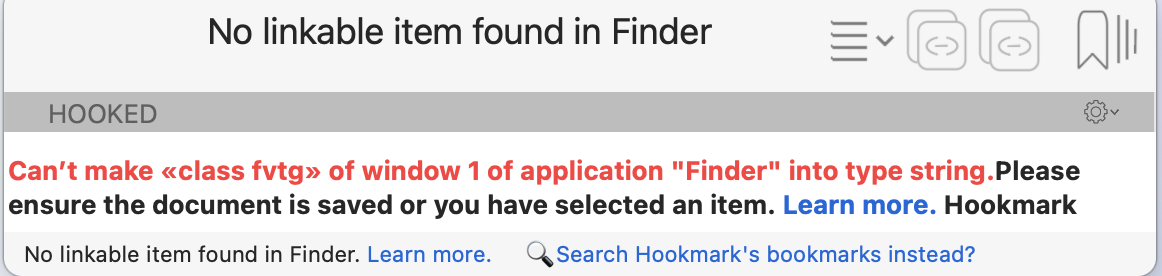
I have tried all the suggested remedies - I’ve toggled accessibility permission, I used the Terminal command to reset accessibility permission, I’ve toggled the automation setting - nothing stops it.
It will sometimes pop up when I’m in other apps, too, like Preview or OmniOutliner, or Messages … but not Safari, OmniFocus or Mail.
Weird. Any idea what I can do about this?