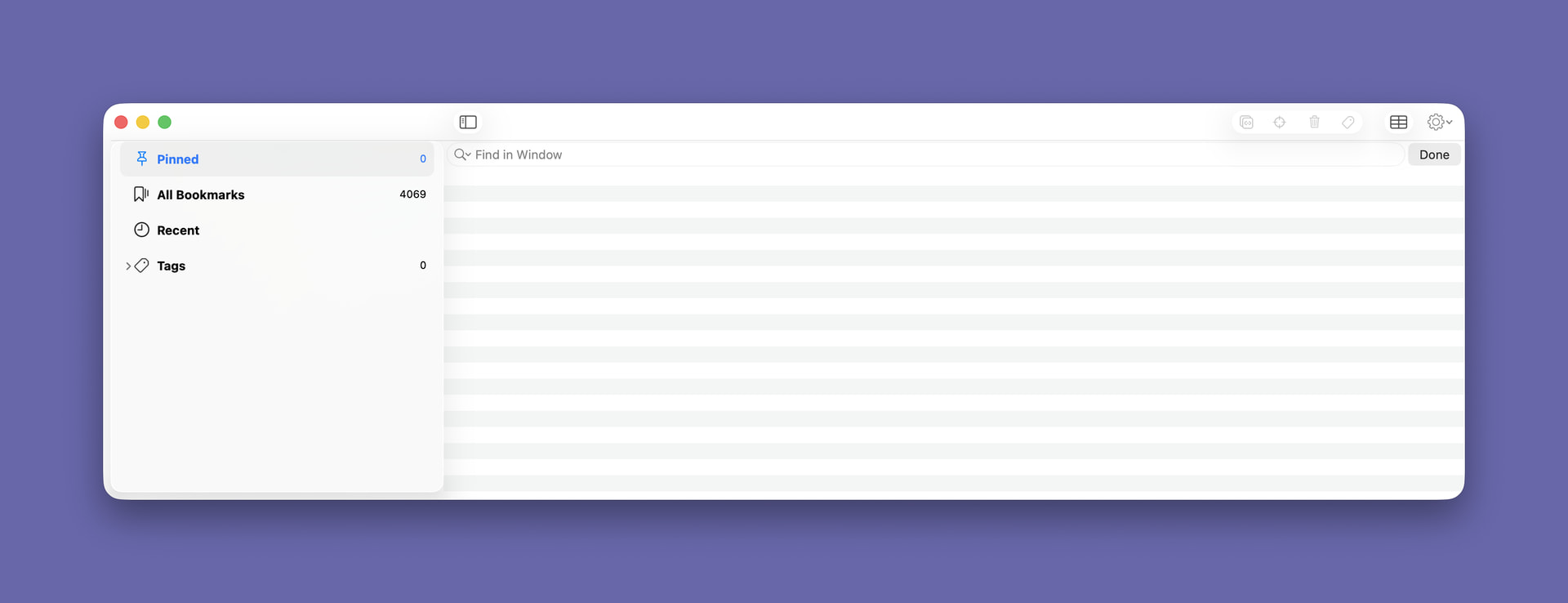
Whenever I log into Hookmark or the computer restarts, the following window appears. I must have ticked a box in Settings, but cannot recall which one which causes this to happen. (I can see there is message at Hookmark Bookmarks Window at Login - Can I Change to Background Only? - #2 by bchend but the Advanced tab no longer shows the same options.
Using: Using Version 7.2.2 (6644; Integration v. 426), macOS 26.6.2.
Any help would be gratefully received.