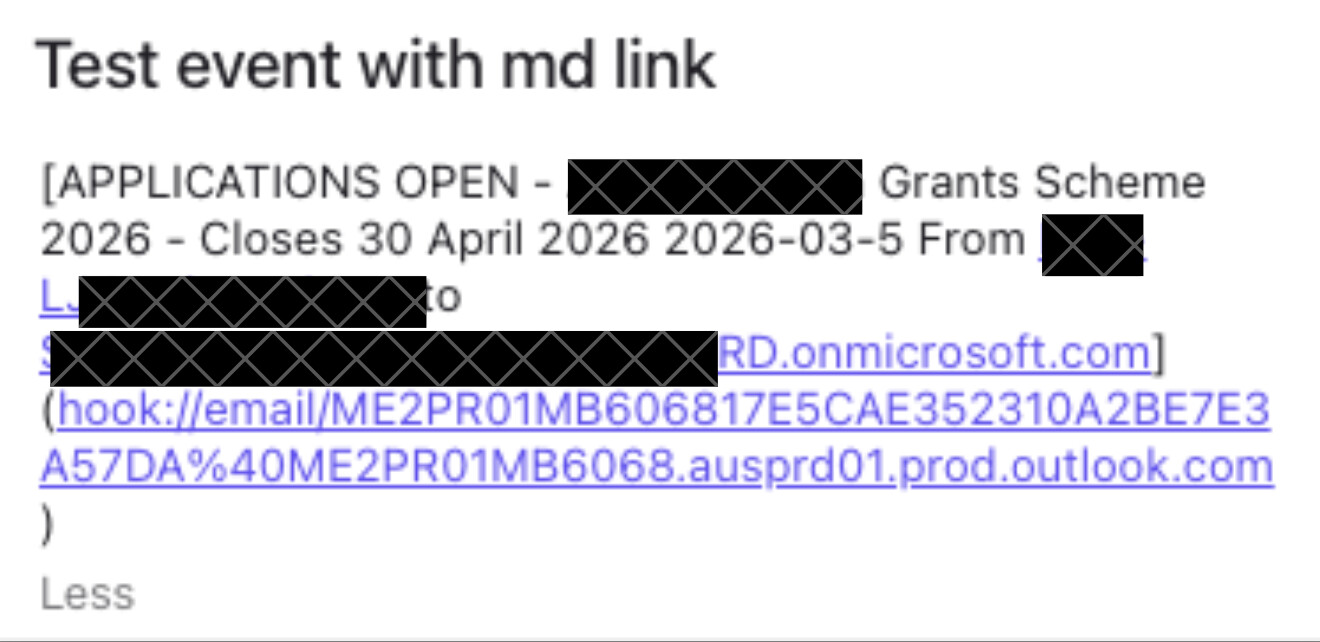
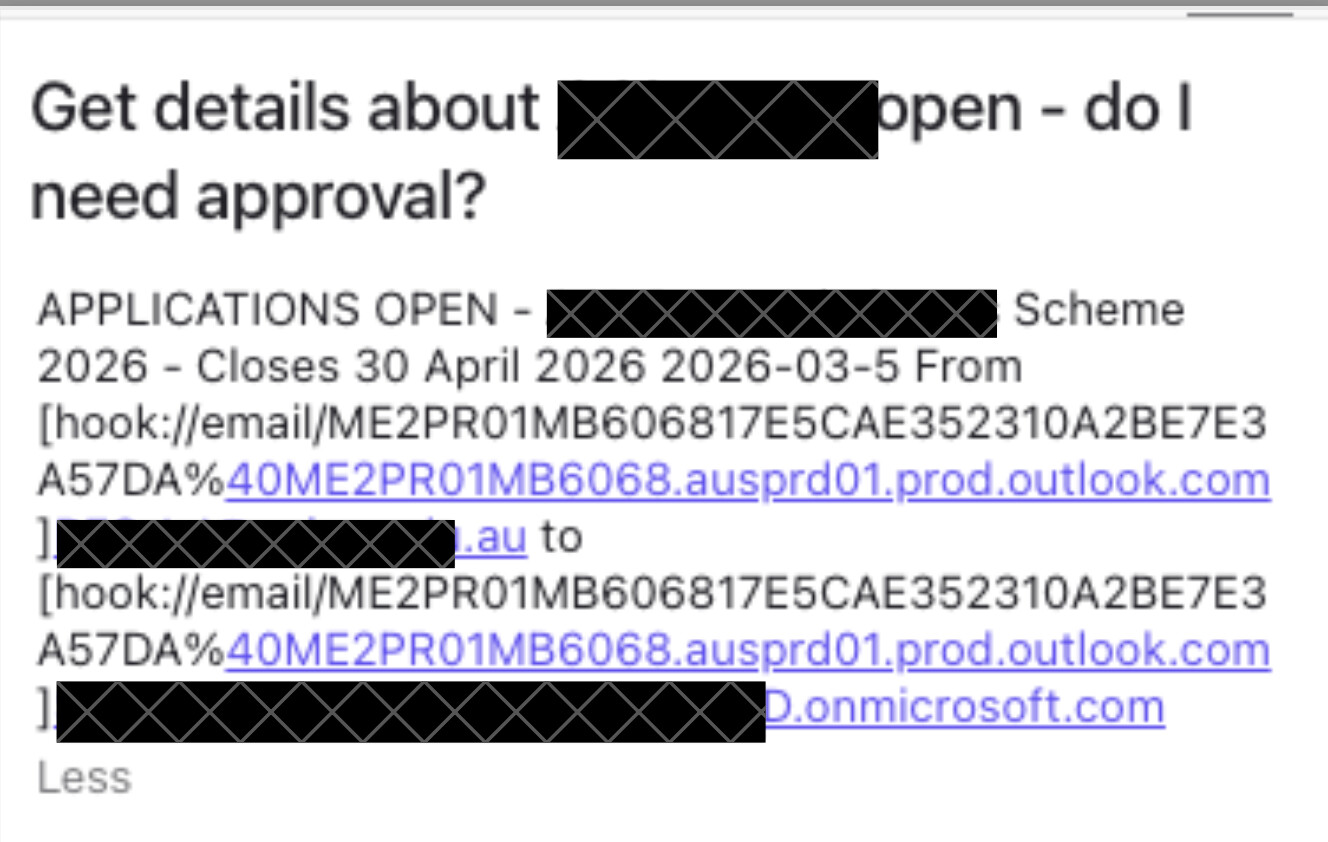
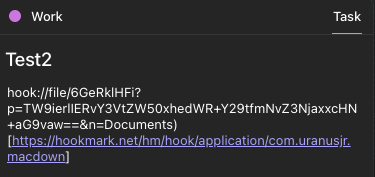
I just recently started using the Morgen app for task scheduling, and in the notes field I want to use Hookmark to directly link to a relevant email. Whether I just use the standard command+C to save the Hookmark or save it as a markdown link, both appear broken in the notes field and not ‘clickable’ (see attached)
. I’ve also tried the standard Universal and Markdown Universal links as well, with the same issue. Can you offer any advice? Is there a need for some scripting or something to make this work correctly, appreciating that this is probably an issue on the Morgen side, not so much Hookmark?