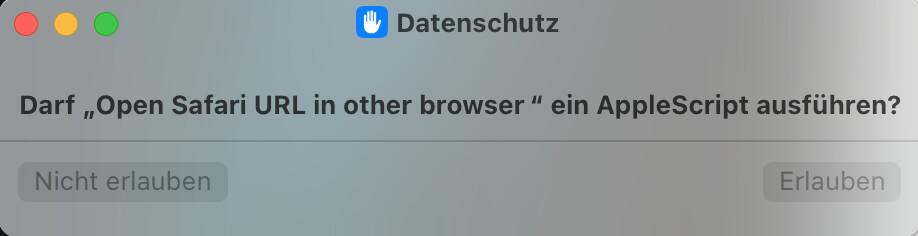
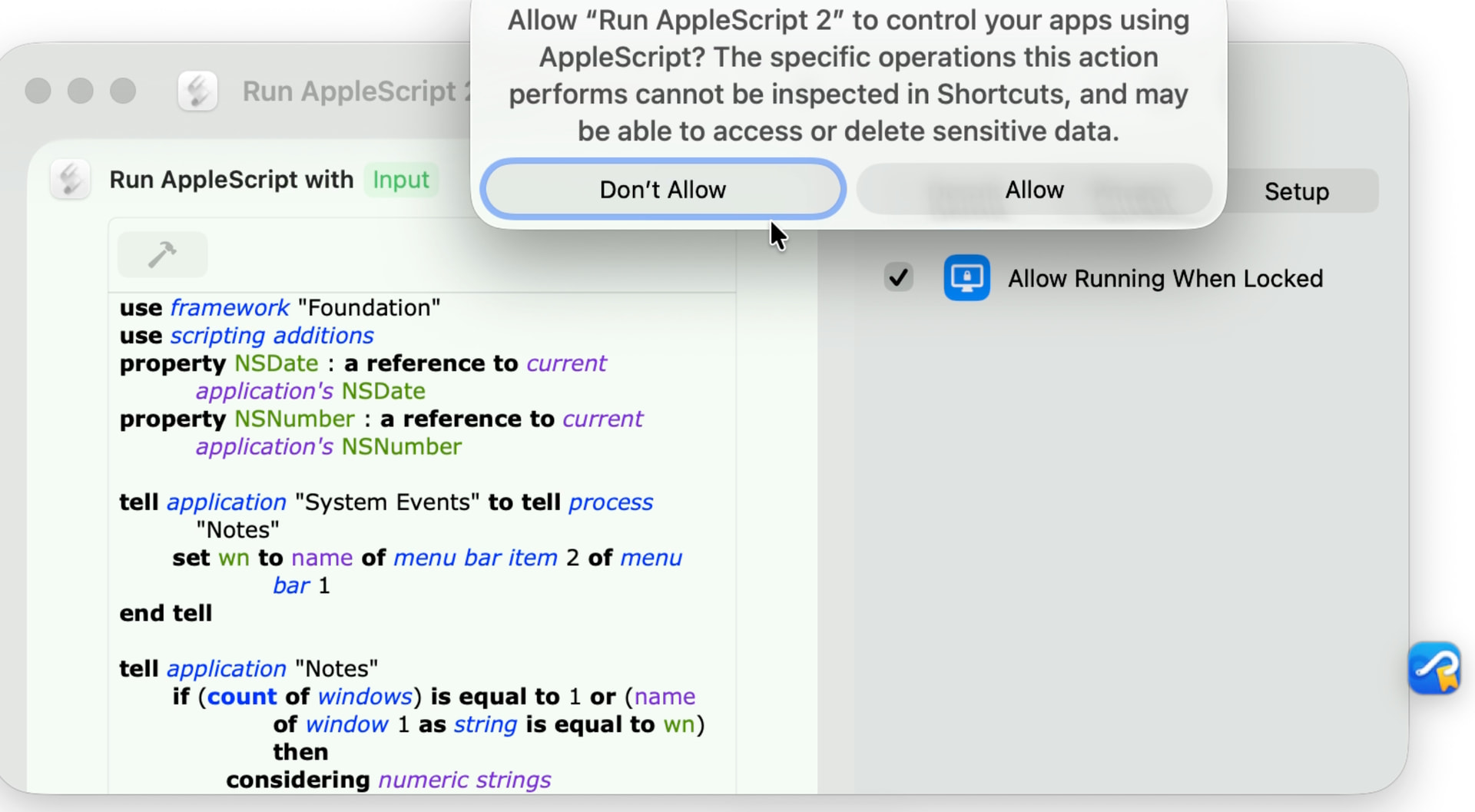
After searching the web like a madman and trying all maintenance procedures that came to mind I more or less accidentally found that Hookmark’s badge interferes with Shortcuts security dialog (under OS 15.7.7 and most likely other OS versions and other Shortcuts dialogs, too [untested] ).
Try the following:
• Activate Hookmark’s Badge in Hookmarks settings.
• Create a new shortcut containing an Apple Script. The default (meaningless) template is enough. Execute it.
• A security dialog comes up with two buttons, both greyed out and therefore not clickable. All you can do is click the dialog’s close dot to close the dialog. The macro then gets aborted.
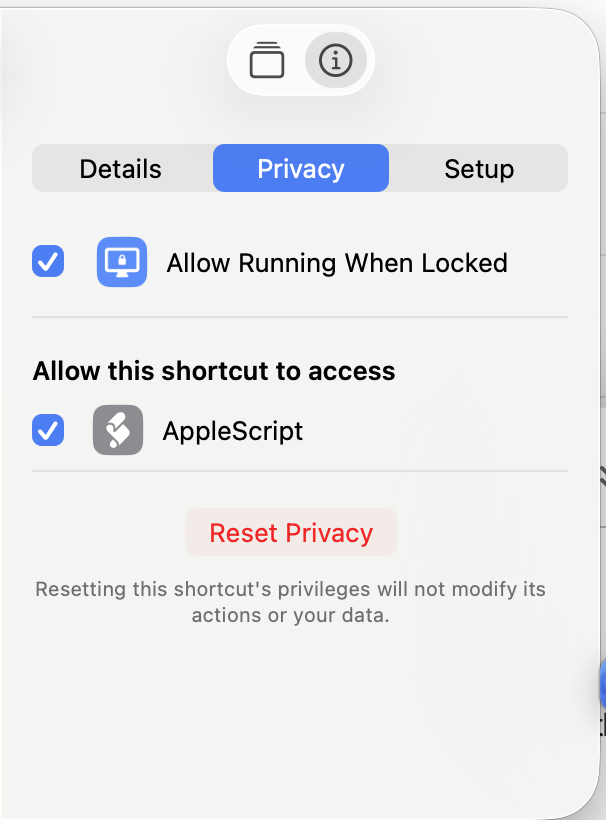
(If no security dialog comes up, open the shortcut’s security tab and click the button at the bottom saying something like “Reset security settings”.)
• Execute it again and drag the dialog across the screen. You will observe that both buttons will be enabled for splits of seconds only to return to their disabled states when dragging stops. Obviously the Badge is competing with the dialog about being frontmost.
The proof:
• Close the dialog by clicking the red close dot.
• Disable the Badge in Hookmark’s preferences.
• Execute the script once more: both buttons are enabled and clickable and the macro can be run.
Hookmark Version 7.1 (6582; Integration v. 417) on Sequoia 15.7.7
Maybe this got fixed in Tahoe? It is quite obviously a bad layering decision by the Apple engineers - there are so many dialogs coming from the OS which do not get into conflict with Hookmarks Badge in any way. So why here?
On the other hand, tools like Keyboard Maestro etc. show persistent (and badge-like) palettes which neither interfere with this security dialog nor get disturbed by Hookmark’s badge…
So there should be a way to fix that. And there is a workaround, i. e. disable the badge. But it cost me quite some nerves to find out this awkward connection between dialog and badge. I suspected anything, TCC etc. etc. but not the badge.
Are you at least able to summon the security dialog? In my initial and now edited post I had described a much more involved mechanism (importing a iCloud-shared shortcut) to make the dialog appear, but then I found the described (and hopefully working for you) much less involved method.
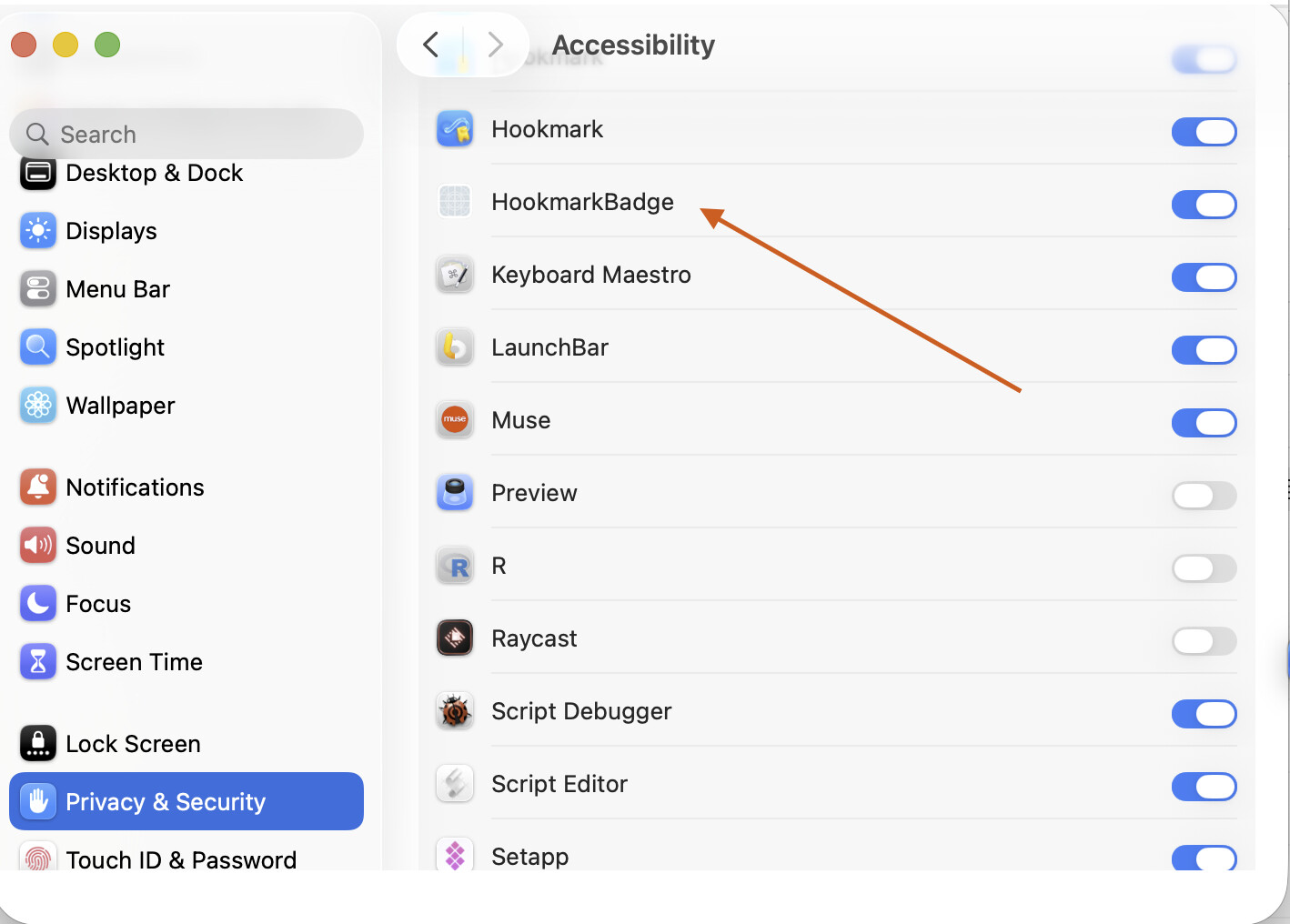
Could you please enable Accessibility permissions for Hookmark badge and see if it make any difference? Hookmark badge is inside of Hookmark.app. You can find it by searching Hookmarkbadge in Finder.
OK - judging from your dialog screen shot both buttons are NOT disabled - so this seems to have changed in Tahoe, I suppose. In my case, Sequoia, both buttons are disabled and not clickable, so I can’t grant authorization, at least not while the Badge is showing. When I drag the open dialog (wildly) around I see both buttons become enabled only for splits of seconds several times and when I stop dragging around both end up as disabled again. This is clearly from the OS messaging going on behind the sceens where the dialog is declaring to be frontmost (as it should be, also in relation to the badge), a notification the Badge receives and decides to make itself frontmost in turn, over and over again.
Just found out: if I disable the Badge while the security dialog is acutally open, the buttons become clickable as soon as the Badge vanishes from screen. Which I would call expected behavior, given my analysis above.
And no, this has got nothing to do with Accessibility, it seems. Settings were turned on as they should be. Turned them off and and on again, no change. I didn’t expect any.
This seems to be a layering issue of this security dialog, a bad developer’s choice (should cause trouble also in interaction with other software, I guess) that appearently got fixed in Tahoe.
I can not move on to Tahoe for various reasons, so I am stuck with it.
Maybe you can setup a VM with Sequoia and try it there?
OK, to investigate this further, I logged into a virgin admin account. (Only to find Shortcuts.app devoid of any shortcuts and any commands - at all. Turns out, after googeling the issue, that one of the “remedies” is to make English USA as a system language available in the accounts system preferences and hooray now Shortcuts.app is thoroughly populated - one of so many Shortcuts quirks. Mentioned here just as a sidenote, got nothing to do with the issue at hand.)
So here it turns out that the security dialog in question’s buttons are enabled no matter wether Badge is running or not - which seems to match your finding. So you seem to be off the hook here.
The Badge does not seem to be the original culprit, more some kind of an agent exposing a flaw caused by something else. But what could this “else” be? I have no clue.