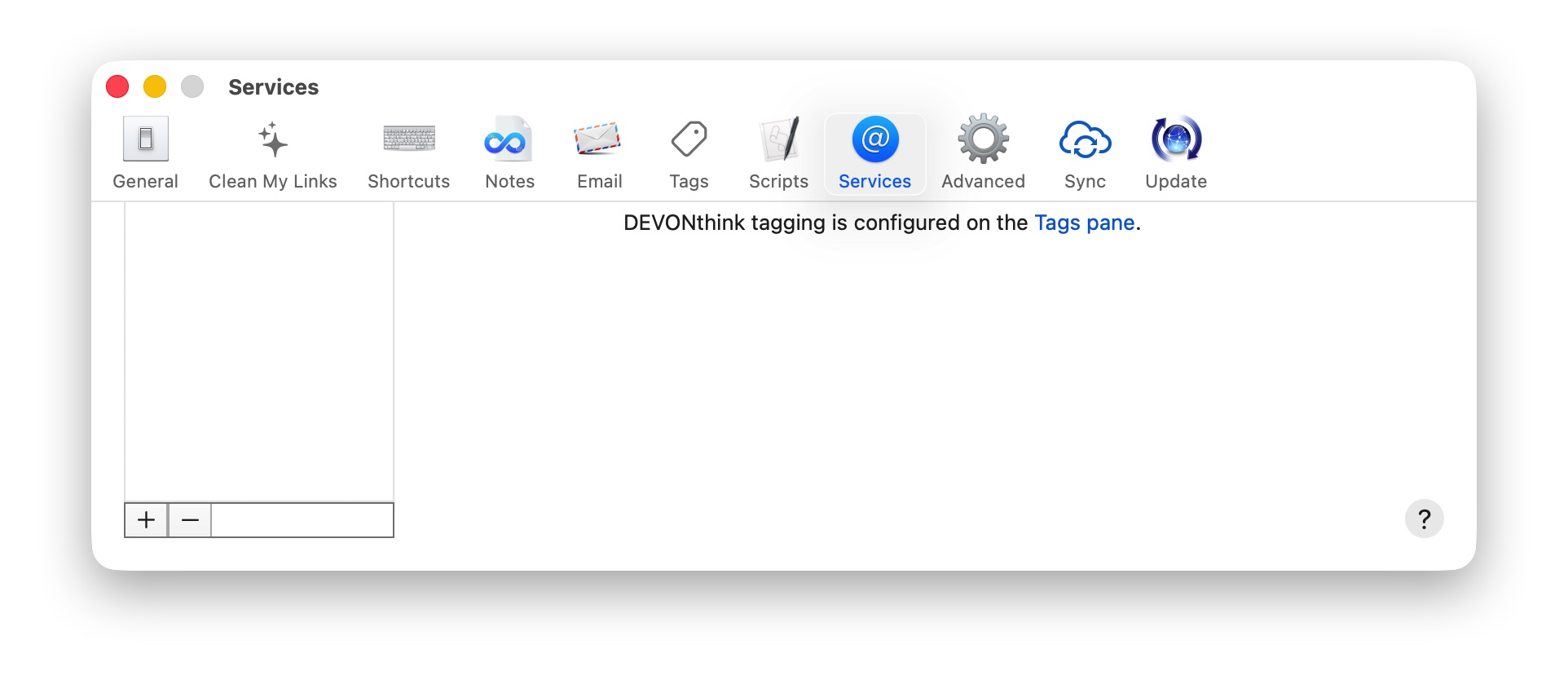
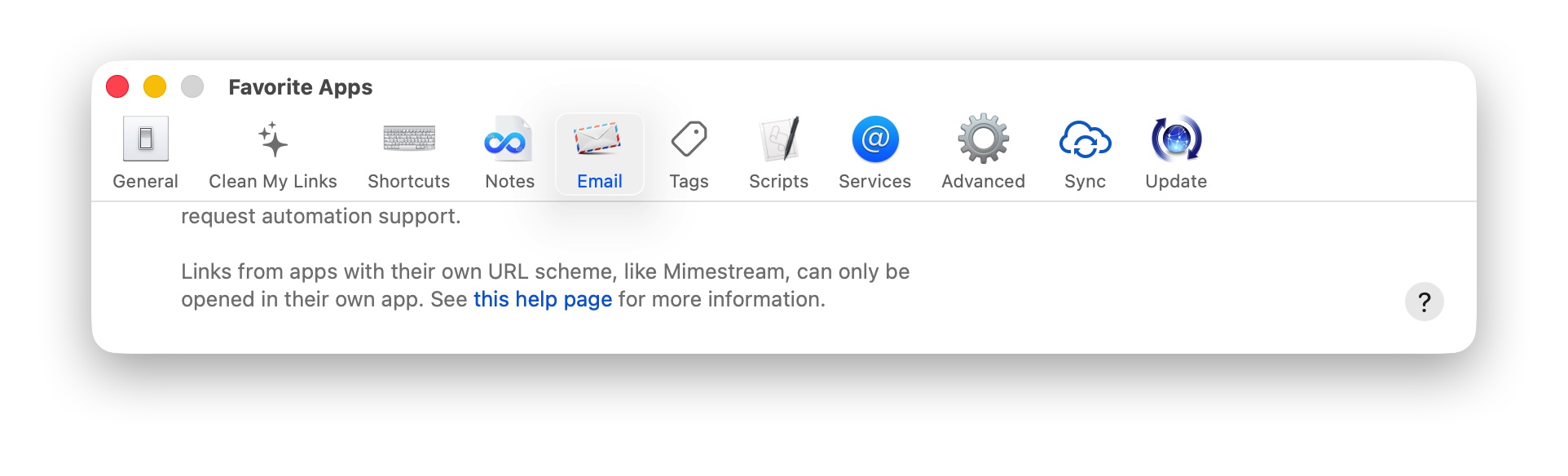
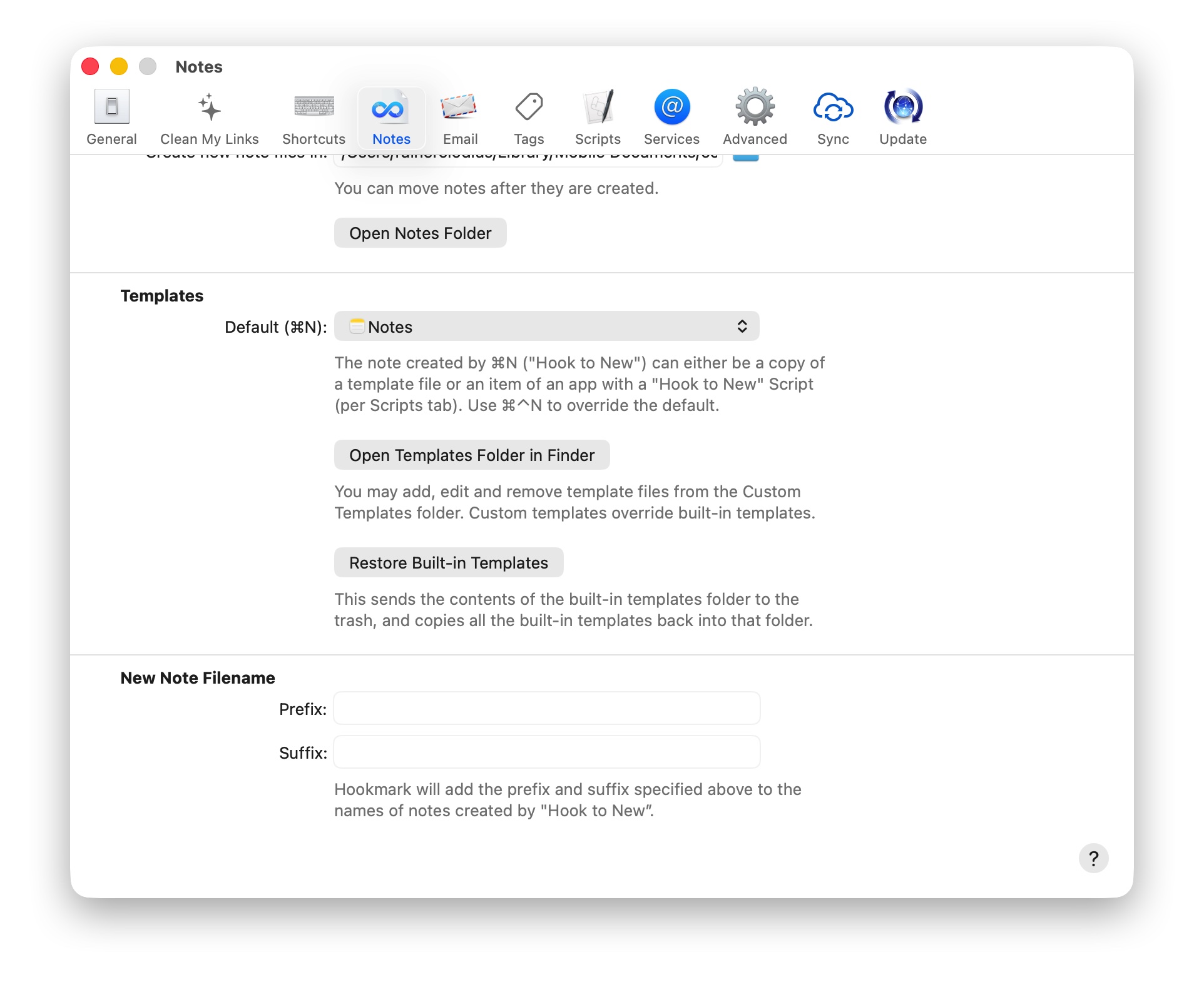
when I open the settings dialog, the upper part of the dialog window is “cut off”.
Example for Settings → Services:
Example for Settings → Email:
Example for Settings → Notes:
Steps to reproduce (use exact order):
-
open Hookmark → Settings
-
click on “Advanced” tab
-
click on “Services” tab
From now on all Settings-windows are “cut off”. I have to quit and restart Hookmark to get the default sized windows again.
MacOS Tahoe 26.3
Hookmark 7