I’m experiencing an issue where a Hookmark link permanently redirects to the wrong target after an external drive is temporarily unmounted.
Steps to reproduce:
Have two folders with identical names — one on an external drive (e.g. /Volumes/MyDrive/Projects/foo), one on the local drive (e.g. ~/somePath/foo)
With the external drive mounted, create a Hookmark link to the external folder
Invoke the link → correctly opens the external folder
Unmount the external drive
Invoke the link → silently opens the local folder instead of showing an error
Remount the external drive
Invoke the link → still opens the local folder. At least this part is not what I want.
Expected behaviour: When the target volume is not mounted, Hookmark should either show an error/warning (“target volume not available”) or prompt for re-resolution — rather than silently falling back to a path-matched local folder with different content.
Actual behaviour: Hookmark falls back to path-only matching (?) when the external volumeis not present. Once this fallback match is made, the link appears to be permanently re-associated with the local folder, even after the original volume is remounted.
Environment:
macOS 14.6.7
Hookmark 7.0.1
Is there a way to prevent this fallback behaviour, or to force Hookmark to require volume UUID matching?
Alternatively, is there a way to inspect or manually correct the stored bookmark target?
I would also really like to have a possibility to see all matching folders for a given (broken) link.
Currently, if there are multiple matching files, you will see a dialog window that lists all the matching files. Perhaps we can have a preference that allows the user always to see this window.
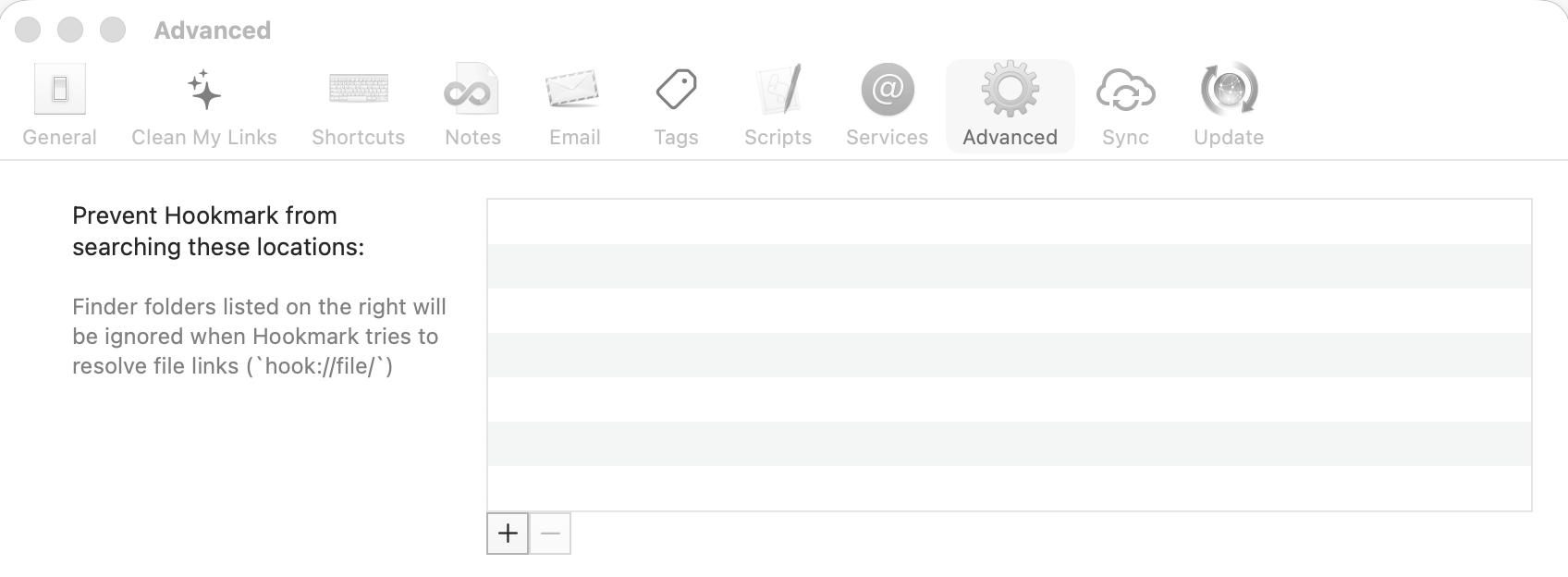
Since I have quite a few of these, your remapping suggestion is not really a possibility for me. Also, I do not want to prevent hookmark from searching locations, since I’d need to do that quite fine-grained (the fallback folders are those with similar names in my Obsidian vault). This is also why I’d rather not have to rename folders since naming them all the same is kind of the clue here (folder name in Obsidian vault corresponds to folder name on the external drive).
I did not see the dialog box even once… where/when should this pop up?
I’d rather want to be able to force to see all possible links than having to search for which external drive the folder was on before invoking hookmark on a file with a link to something possibly on an external drive…
Do you remember when this happened? If so, you may be able to restore a database backup from before that date to replace the current one. However, the downside is that you’ll lose any data added after the backup.