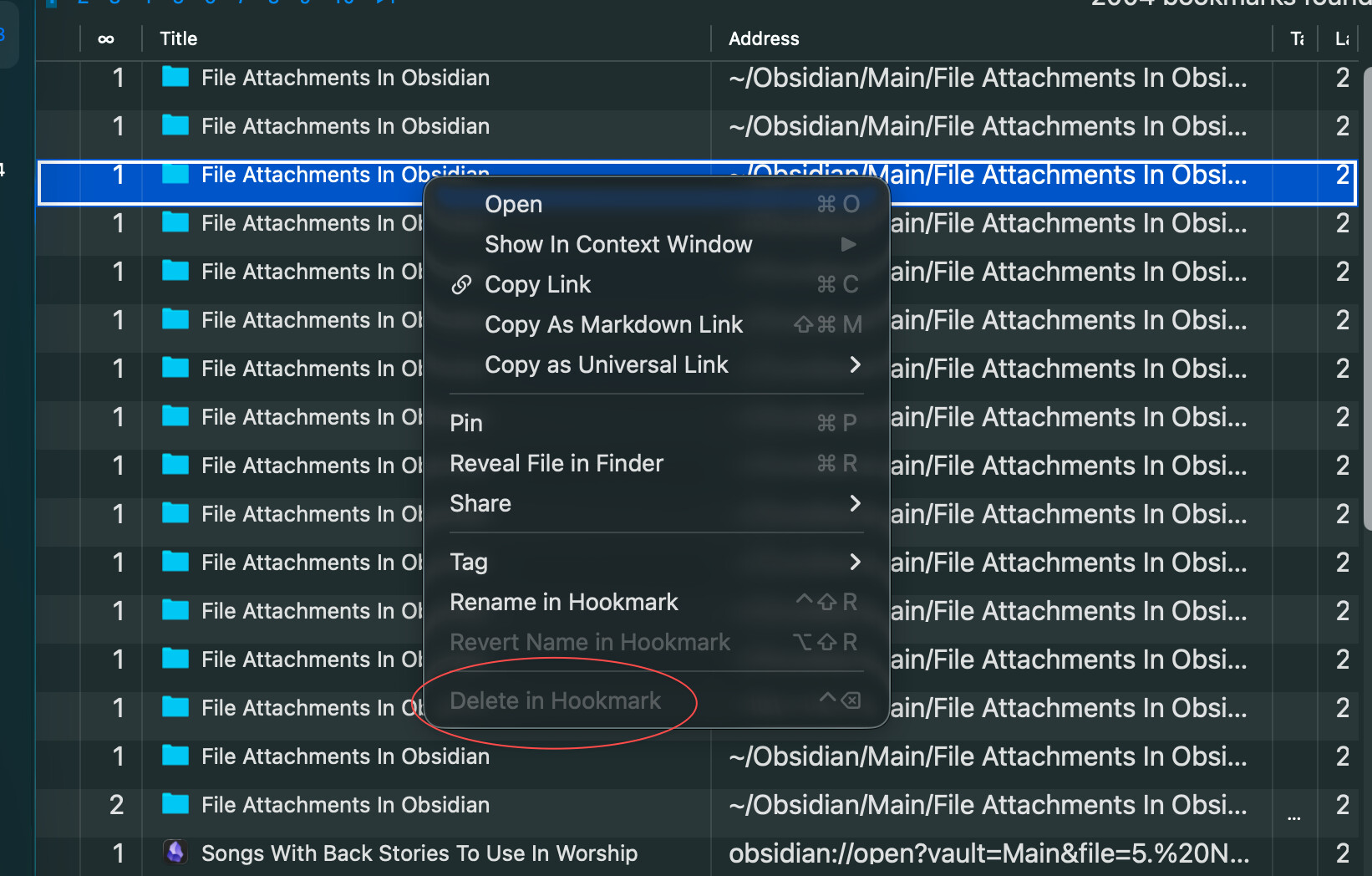
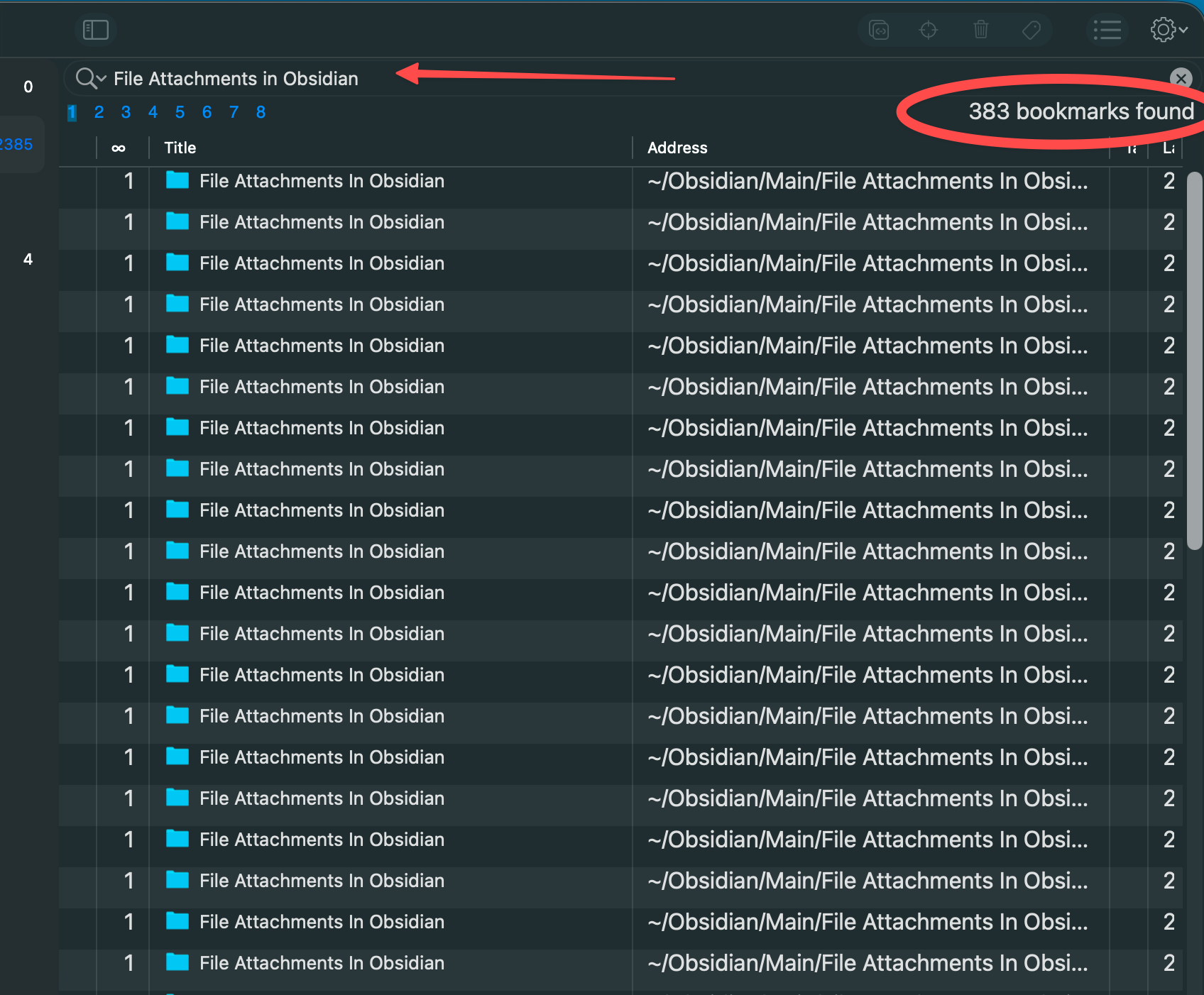
Had this problem with sync awhile back and gave up trying to fix it. Decided to give the iOS app another chance and the problem returned.
The original hook was simply between an Omnifocus task and a Mac OS folder named “File Attachments in Obsidian.” Now that hook is out of control. It replicates up to nearly 400 instances… and other times it may be as few as 10. I’ll attach some screenshots to show what I see. Pay particular attention to the shot that shows the open menu where the Delete in Hookmark is grayed out. Sometimes I can delete them, other times I can’t. But it doesn’t matter, they come back anyway.
Is there a way I can export all my hooks, clean out all these duplicates, including the one that is out of control, and then reimport a clean batch of hooks back into Hookmark?
FYI, I saw at one point today I had over 800 duplicates. I came back later and there was only one, so I quickly deleted it. But when I rebooted the computer they were back. I have about 100 now.
That worked. My database must have been really messed up, I was also dealing with a significant lag whenever I would use Hookmark - to the tune of 15-20 seconds usually, and sometimes longer.
The lag is totally gone now and no phantom hooks appearing and disappearing.
I appreciate your help. I’ll keep these steps in case something develops down the road.