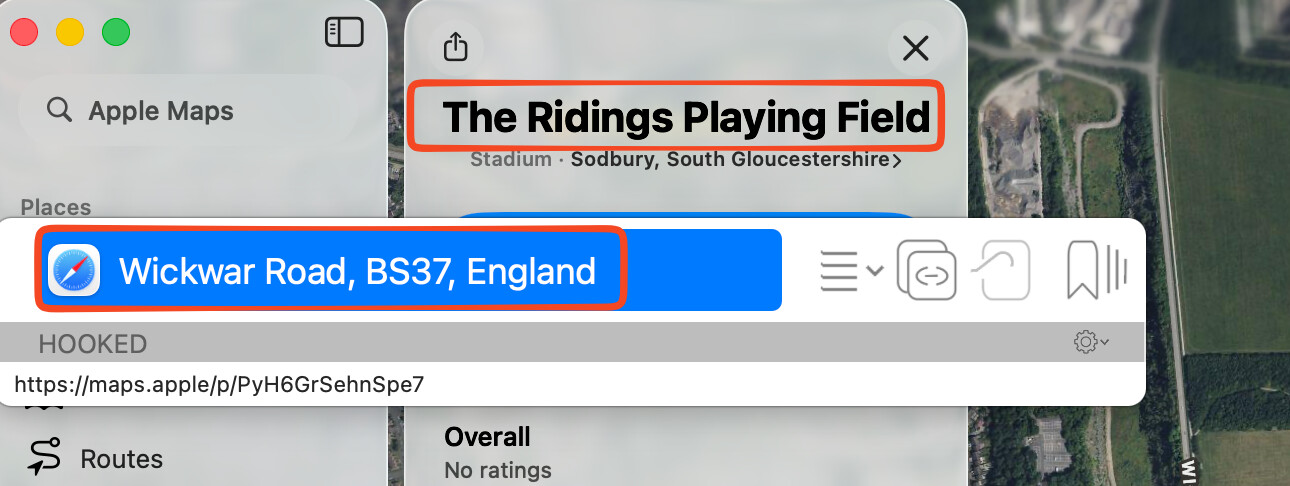
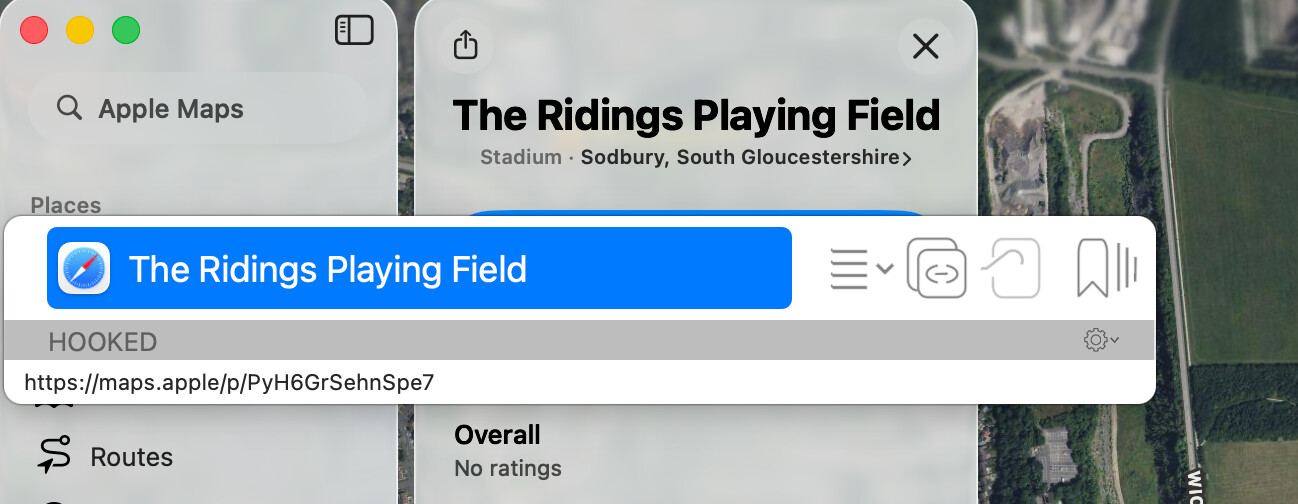
My fight with Apple Maps continues and I’ve found a way to extract the URL (easy) and name (hard) of the selected item.
Maps is pretty unfriendly to this kind of thing these days.
The Get Address script is pretty straight forward:
tell application "System Events"
	tell process "Maps"
		click menu item "Copy" of menu "Edit" of menu bar 1
		delay 0.4
    	return (the clipboard as text)
	end tell
end tell
However the Get Name script is a PITA because the short URL has to be expanded (curl), then the “name” parameter must be extracted (python):
tell application "System Events"
	keystroke "c" using command down
	delay 0.4
	set shortUrl to the clipboard
	set curl to "curl -Ls -o /dev/null -w '%{url_effective}' " & quoted form of shortUrl
	set longURL to do shell script curl
	set python to "python3 -c 'import sys;from urllib.parse import urlparse, parse_qs;parsed = urlparse(sys.argv[1]);params = parse_qs(parsed.query);print(params.get(\"name\")[0])' " & quoted form of longURL
	set decodedName to do shell script python
	return decodedName
end tell
Calling out to curl and python feels clumsy but I’m not an AppleScript expert - is there a better way?
I thought maybe re-writing the Get Name script in JavaScript would be an improvement as I could avoid the call outs to curl/python. As it turns out there are restrictions on HTTP access and it doesn’t have the standard URL type for parsing. I got to the point where something 4x the size still needed curl and wasn’t actually working so bailed.
Thanks for the update. I wonder if the “name” parameter (if available) would be better than using the first line of the address, otherwise the hook gets a rather generic title: