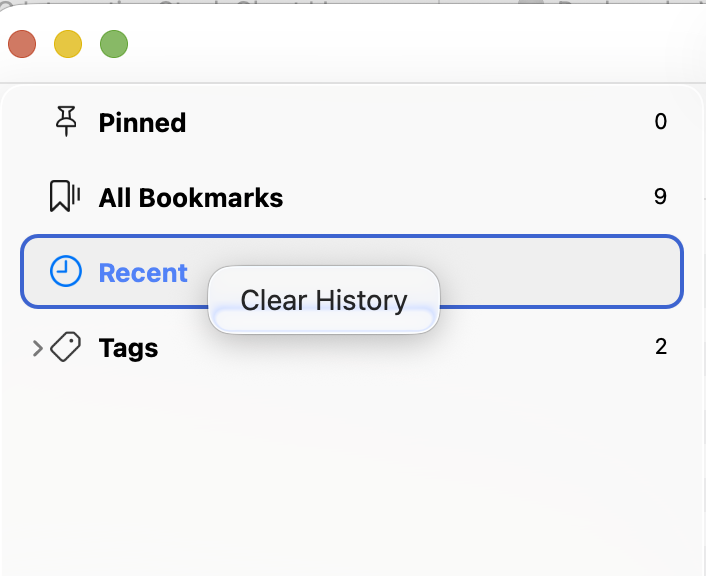
Hookmark Version 7.2.2 (6644; Integration v. 423), Sequoia latest, Intel
I don’t know what to say but: Am I the only one seeing this? Basic functionality broken?
I open the Hookmark Version 7.2.2 (6644; Integration v. 423) after adding a bookmark. I am seeing this:
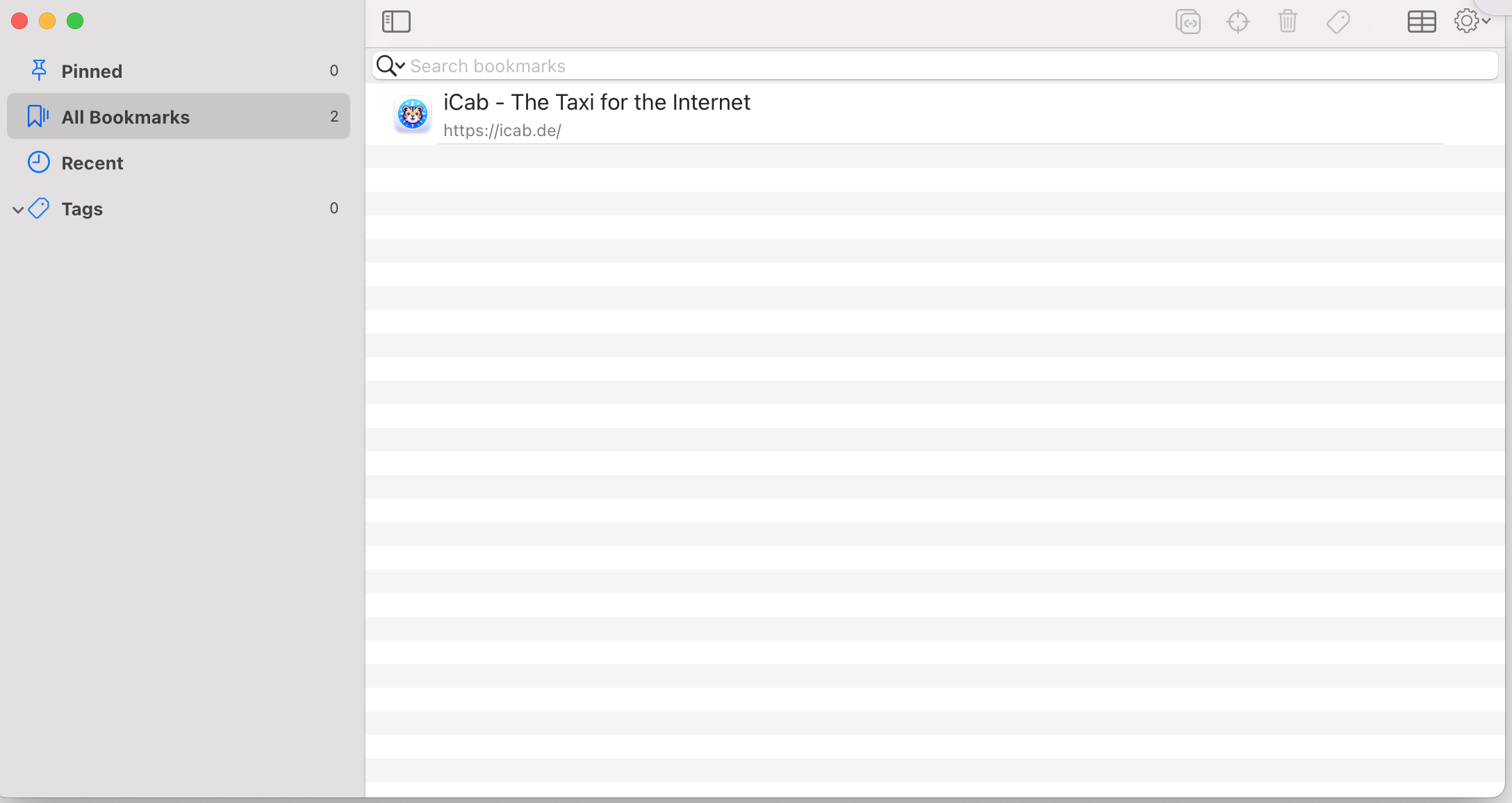
Note the following:
• All Bookmarks has a count of 2
• On the right side I find only one item
• I have to quit and restart Hookmark to get two items in the list
Next:
• Recent doesn’t show a counter, but I’m seeing this
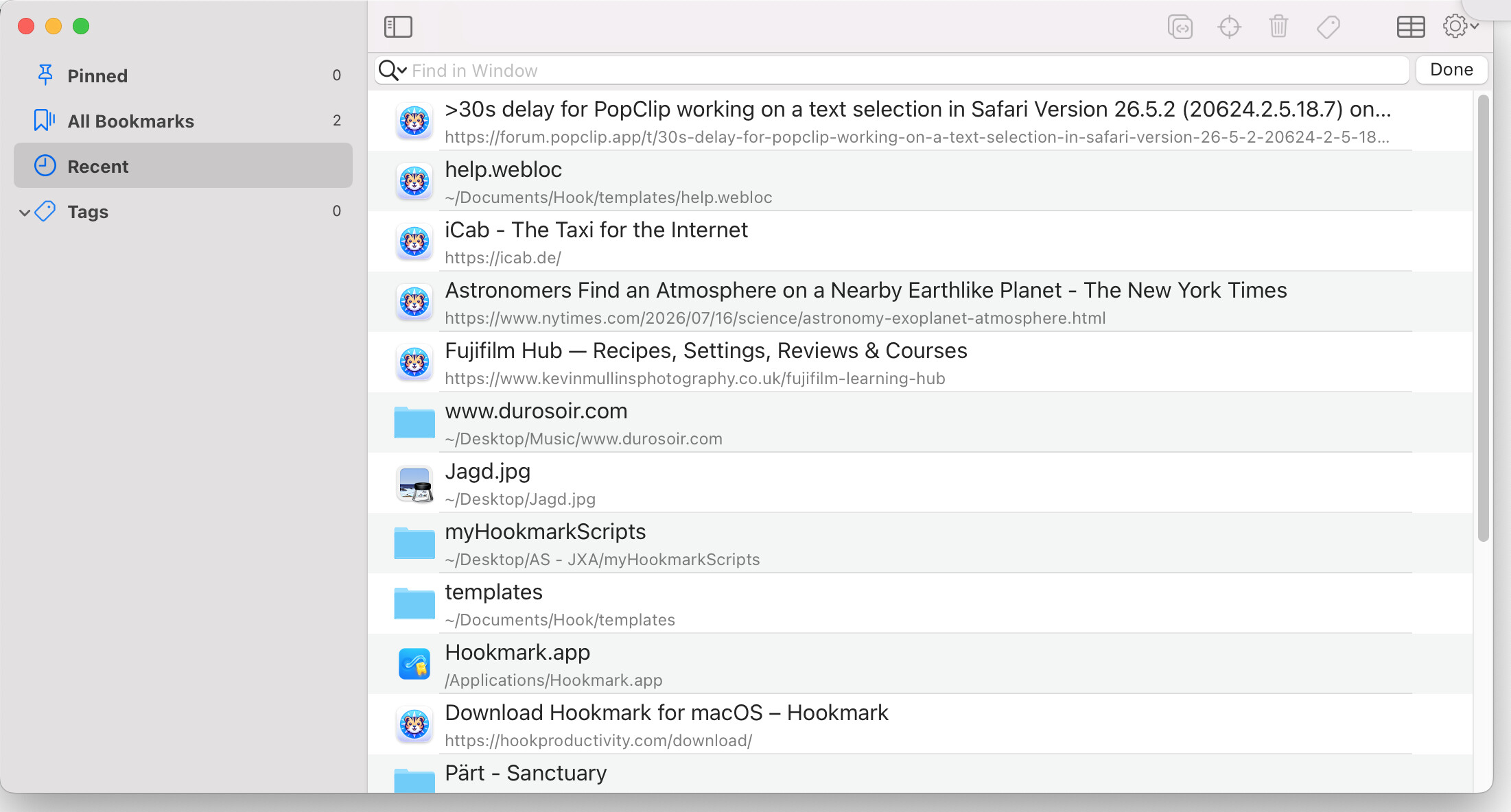
i. e. a whole slew of recent items, when in total I have only two?
So I want to delete all the odd recent items.
• In list view I can’t. When clicking on the trashcan icon I get an error-beep, that’s all.
• In table view I can. Or it looked like this at first. Turns out, or so it seems, I can delete some entries, but not others.
• This is all uselss cruft here which got registered accidentally.
Why you would ask? Simply because it took me some time to realize that THE ONLY way to close the contextual window seems to hit ESC - my goodness, what is that?! Any similar popup window in any application I know can be closed by simply clicking anywhere outside the window.
And I could continue, but I stop here, except a rant about an extremely convoluted and counterintuitive UI, especially unintuitive icons. I know this is just my opinion… But in about 30 years of Mac usage I have never found it necessary to complain about an app’s UI.
Sigh.
Questions:
• how to clear this recents list?
• why can I delete some items but not others?