# App support: Mellel (Requires closing Mellel's Palette window)
**URL:** https://discourse.hookproductivity.com/t/app-support-mellel-requires-closing-mellels-palette-window/1497
**Category:** Discussion & Help
**Created:** [May 26, 2020, 6:05pm UTC](https://discourse.hookproductivity.com/t/app-support-mellel-requires-closing-mellels-palette-window/1497 "2020-05-26T18:05:40Z")
**Posts on this page:** 11
**Page:** 3
### Author:  [@LucB](https://discourse.hookproductivity.com/u/LucB)
#### Post date: [July 6, 2020, 6:43pm UTC](https://discourse.hookproductivity.com/t/app-support-mellel-requires-closing-mellels-palette-window/1497/41 "2020-07-06T18:43:55Z")
Thank you, @Hook8Kuni. Will be in touch with them.
cheers.
---
### Author:  [@LucB](https://discourse.hookproductivity.com/u/LucB)
#### Post date: [July 8, 2020, 1:41am UTC](https://discourse.hookproductivity.com/t/app-support-mellel-requires-closing-mellels-palette-window/1497/42 "2020-07-08T01:41:05Z")
@tonywatkins and @3zra . I think I have figured out the issue – one issue at least. Mellel has a Palettes window. It is available via its Window menu \> Palettes menu item. When a Mellel palette is visible, Hook’s contextual window is blank, presumably because Mellel does not respond to the AppleScript in relation to the current document.
There are two work arounds
1. to dismiss the Pallet window
2. access Hook via menu bar window (because that causes Mellel to hide its palette window)
You can do the latter by
a. clicking the menu bar icon
b. clicking the Show Hook button
The effect of clicking on menu bar icon depends on Hook \> Preferences \> General (i.e., whether clicking the menu bar icon directly shows Hook’s contextual window, or whether it brings up Hook’s menu bar window).
@3zra and @tonywatkins: Does the above work for you?
Other possible solutions would be
(a) for Mellel’s dev to provide an API or tweak it.
(b) for someone to add some UI Scripting (but in our view the current default is better than UI scripting, particularly that Mellel seems designed for multiple languages.)
Also, as noted by @NickSloan, one needs to make sure Hook has permission to control Mellel. Also Hook only works with saved documents (non-saved documents don’t have a URL).
Apologies for the time it took to give this enough attention. We’ve been juggling a lot towards dot-releases, 2.0 and other integrations. The issue is actually quite obvious and we ran into this previously with Adobe Illustrator where our default script worked except for palettes (and then worked around it). I have updated the [No Linkable Item in …](https://hookproductivity.com/help/hook-window/no-resource-detected/) Hook documentation web page, adding a section about palettes. I have also updated the [Linkable Mac Apps](https://hookproductivity.com/what-mac-apps-are-compatible-with-hook-app) page, tweaking the note re Mellel.
Anyway, nice to discover this longstanding app that I had never tried before. And thank you for bringing this to our attention, and to everyone who pitched in.
I have added “(Requires closing Mellel’s Palette window”) to the title of this forum entry, so that other readers can get the answer quickly.
---
### Author:  [@tonywatkins](https://discourse.hookproductivity.com/u/tonywatkins)
#### Post date: [July 8, 2020, 8:50am UTC](https://discourse.hookproductivity.com/t/app-support-mellel-requires-closing-mellels-palette-window/1497/43 "2020-07-08T08:50:03Z")
Many thanks for looking into this. Unfortunately, neither of the suggested workarounds works for me. Mellel 5 is approved for Automation in the security & privacy preferences. I tried unticking it in the hope that it might force Hook to ask for permission again, in case there was an issue there, but it made no difference. I also tried removing Mellel 5 from the scripts panel in Hook preferences (which I’d added on Wakamatsu’s suggestion).
The Mellel dev Eyal Redler said to me: ‘Regarding Hook, I’ll have a look but I’m a bit hesitant about support Apple Script, I suspect apple will be phasing this technology in the not so far future.’
---
### Author:  [@tonywatkins](https://discourse.hookproductivity.com/u/tonywatkins)
#### Post date: [July 8, 2020, 9:13am UTC](https://discourse.hookproductivity.com/t/app-support-mellel-requires-closing-mellels-palette-window/1497/44 "2020-07-08T09:13:28Z")
Out of interest, I just reinstalled Mellel 5. I wasn’t asked to give new permissions or anything, but the two workarounds now do work. Mind you, I think it may be just as easy to continue using the Mellel doc entry in Trickster since I’m used to accessing that menu icon a lot.
Now I just need to reset everything in Mellel . . .
---
### Author:  [@LucB](https://discourse.hookproductivity.com/u/LucB)
#### Post date: [July 8, 2020, 5:34pm UTC](https://discourse.hookproductivity.com/t/app-support-mellel-requires-closing-mellels-palette-window/1497/45 "2020-07-08T17:34:10Z")
> [@tonywatkins](#):
>
> The Mellel dev Eyal Redler said to me: ‘Regarding Hook, I’ll have a look but I’m a bit hesitant about support Apple Script, I suspect apple will be phasing this technology in the not so far future.’
sorry to hear that point of view. The API can also be JavaScript, which is also used on iOS.
whereas Apple is working towards unification of platforms, they have also signalled that macOS is unique and will continue to be supported.
Basically, Hook can work with any linking API that a third party dev provides. I.e., we have built a framework in Hook that allows us, and any customer, to easily customize Hook to work with linkable apps. So unless Mellel is saying “We will not support automation, we’d like our app’s files to remain isolated in a walled garden”, I guess they will want their app’s resources to be linked to anything.
Anyway, glad to see it is working for you.
---
### Author:  [@tonywatkins](https://discourse.hookproductivity.com/u/tonywatkins)
#### Post date: [July 8, 2020, 6:19pm UTC](https://discourse.hookproductivity.com/t/app-support-mellel-requires-closing-mellels-palette-window/1497/46 "2020-07-08T18:19:28Z")
> [@LucB](#):
>
> Basically, Hook can work with any linking API that a third party dev provides. I.e., we have built a framework in Hook that allows us, and any customer, to easily customize Hook to work with linkable apps.
I’ll pass that on to Eyal. He’s not ruling it out altogether, just (too) hesitant.
---
### Author:  [@LucB](https://discourse.hookproductivity.com/u/LucB)
#### Post date: [July 8, 2020, 6:38pm UTC](https://discourse.hookproductivity.com/t/app-support-mellel-requires-closing-mellels-palette-window/1497/47 "2020-07-08T18:38:31Z")
Great to hear!
Given the renewed interest in linking, I think he will find that a linking API is a great way to keep up with the new tools who have linking built into them.
On our side, we’re delighted that the area of R&D we’ve been engaged in since 2001 is gaining ‘mainstream’ acceptance /appreciation.
---
### Author:  [@jvictorcabral](https://discourse.hookproductivity.com/u/jvictorcabral)
#### Post date: [June 25, 2023, 1:35pm UTC](https://discourse.hookproductivity.com/t/app-support-mellel-requires-closing-mellels-palette-window/1497/48 "2023-06-25T13:35:49Z")
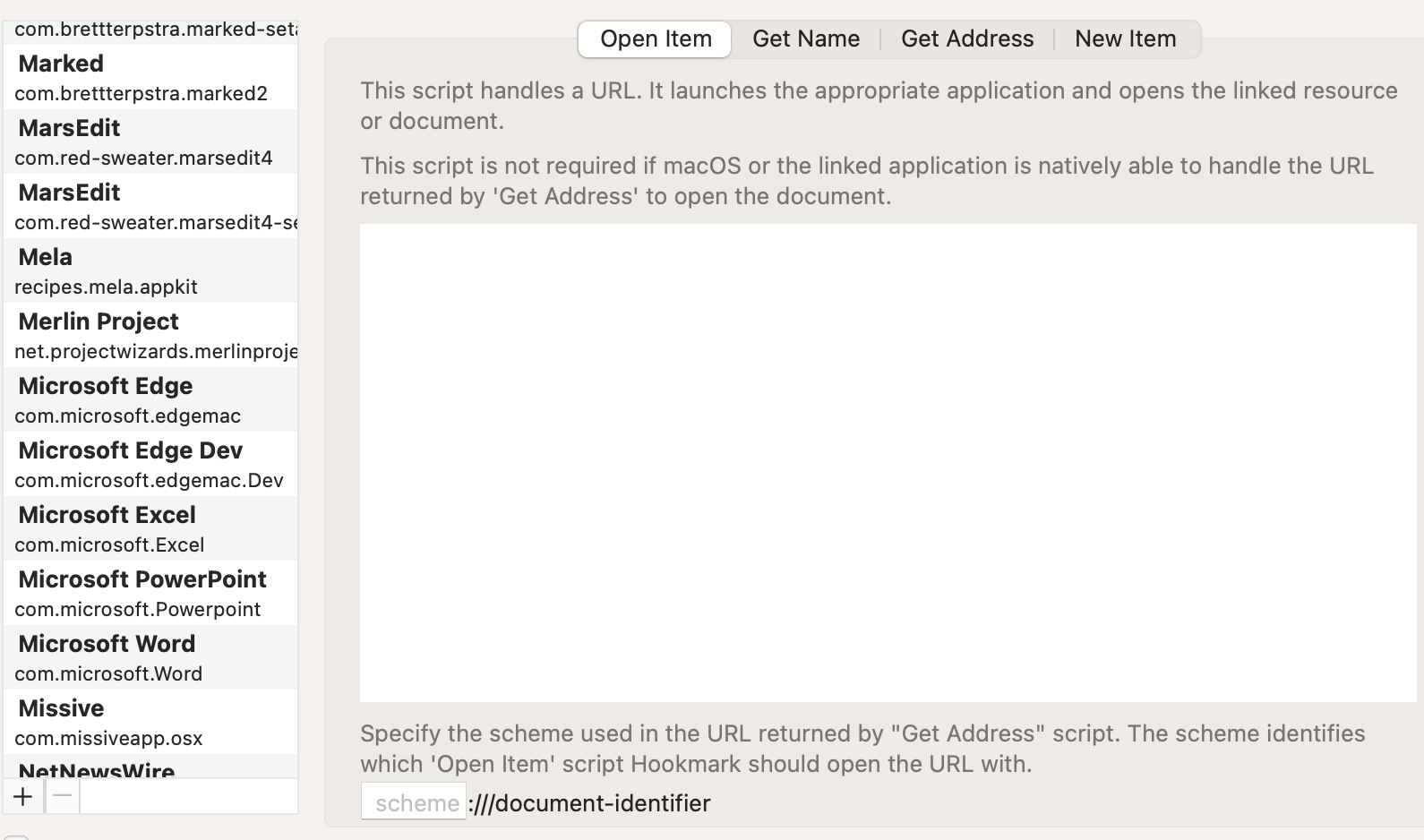
Hi, what’s the current status of Mellel? It doesn’t work for me even when the palette window is closed. And btw, there’s no “Mellel” on the list of scripts. Should I install the script manually? Where can I download or copy the script? Thank you for the help!
---
### Author:  [@bchend](https://discourse.hookproductivity.com/u/bchend)
#### Post date: [June 25, 2023, 3:32pm UTC](https://discourse.hookproductivity.com/t/app-support-mellel-requires-closing-mellels-palette-window/1497/49 "2023-06-25T15:32:56Z")
Sorry about this issue.
I just checked it on my mac and it seems to be working fine.
Mellel is supported by Hookmark’s default AppleScript. You don’t need install the script manually.
What’s your Mellel version, Hookmark version and macOS version?
Is the Mellel document saved?
The first time when you invoke Hookmark on Mellel document, it will ask you for permission to access Mellel document, could you please check if Hookmark has this permission in System Preferences → Security & Privacy -\>Privacy -\>Automation -\>Hookmark?
We have a web page dedicated to this issue:
> **[No Linkable Item in … – Hookmark](https://hookproductivity.com/help/hook-window/no-resource-detected/)**
>
> When you invoke the Hookmark window, it tries to identify the current item (document or object). If Hookmark cannot identify it, the status bar message will say:
>
>
> No linkable item found in . Learn more
>
>
> where is the name of the app. For example,...
Thank you
---
### Author:  [@jvictorcabral](https://discourse.hookproductivity.com/u/jvictorcabral)
#### Post date: [June 25, 2023, 3:51pm UTC](https://discourse.hookproductivity.com/t/app-support-mellel-requires-closing-mellels-palette-window/1497/50 "2023-06-25T15:51:13Z")
Thanks for the reply and link!
I have the latest version of Mellel (5.1.5) and Hookmark (5.1.3), and MacOS 13.4
I managed to make it work when it was not on fullscreen, but it works only for the file itself. Doesn’t it support deep linking to a specific part of the text?
And btw, “Or invoke Hookmark via the menu bar window’s “Show Hook” button”; where is this “show hook” button?
Thanks again!
---
### Author:  [@bchend](https://discourse.hookproductivity.com/u/bchend)
#### Post date: [June 25, 2023, 4:08pm UTC](https://discourse.hookproductivity.com/t/app-support-mellel-requires-closing-mellels-palette-window/1497/51 "2023-06-25T16:08:02Z")
Sorry deep linking is not supported for Mellel. If Mellel can provide an API(e.g, an AppleScript get URL function) that allows Hookmark to get the deep link, then we can support it.
If you option+click on Hookmark menu bar icon, you will see the menu bar window. “Show Hookmark” button is on the top left of the window.
Thank you
[Previous page](https://discourse.hookproductivity.com/t/app-support-mellel-requires-closing-mellels-palette-window/1497.md?page=2)